16
WiFi settings
Your modem can broadcast your internet as a wireless signal for your WiFi enabled computers, tablets and
smartphones to connect to.
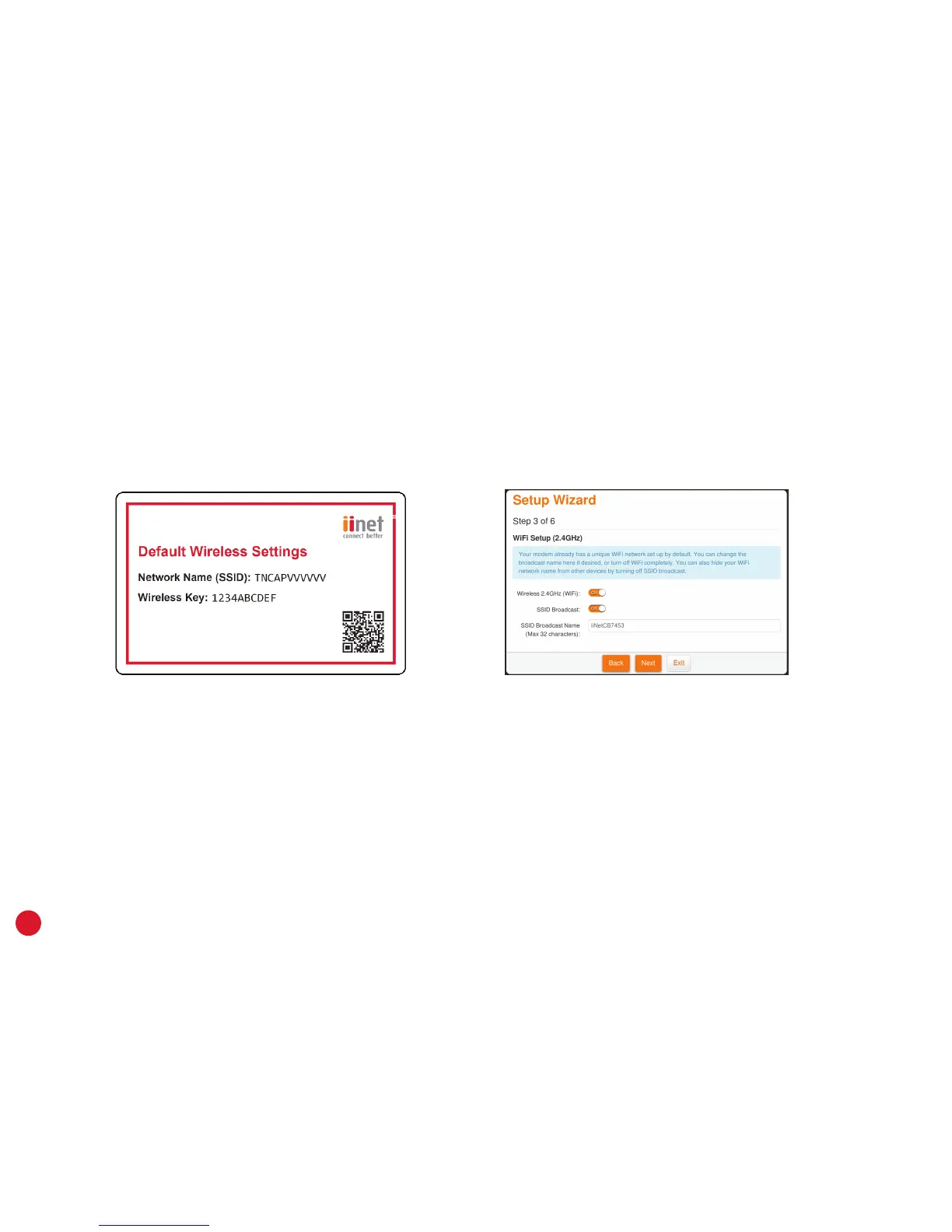
1. Your modem already has a default WiFi network set up on it. You’ll find the network name and password on
the base of your modem, as well as your Default Wireless Settings card.
2. We recommend leaving the default WiFi settings unchanged - after connecting once, your device will
remember the settings for you. Connection advice can be found on page 22.
3. If you want, you can change the WiFi settings during steps 3 and 4 of the Setup Wizard, or by clicking the
Wireless option on the http://10.1.1.1 dashboard.
4. Wireless 2.4GHz (WiFi) must be turned ON to broadcast WiFi. If you turn SSID Broadcast off, your network
name will not be visible to WiFi devices and you’ll have to enter it manually when connecting a device.



 To Next Page