25
WiFi - Mac OSX and iOS
MAC OSX
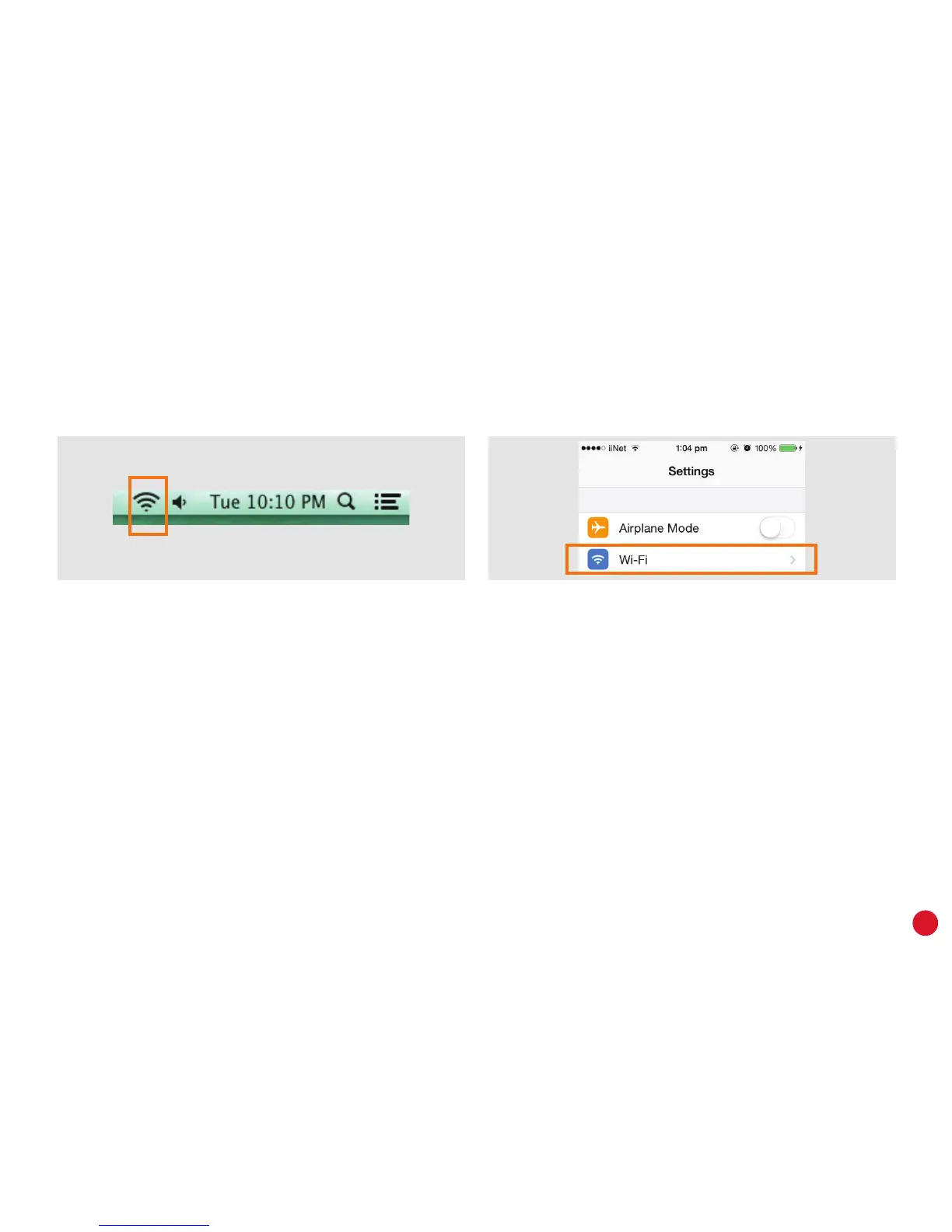
1. Click the Wi-Fi (aka AirPort) icon in the top
right-hand corner of the screen.
2. You may need to select Turn Wi-Fi On.
3. Select your WiFi network from the list of
available networks.
4. Enter your WiFi password and then click Join.
iPHONE/iPAD iOS
1. Tap the Settings icon on the home screen and
then tap Wi-Fi.
2. Make sure the WiFi switch is set to ON.
3. Select your WiFi network from the list of available
networks.
4. Enter your WiFi password and then tap Join.



 To Next Page