24
WiFi - Windows XP and Android OS
WINDOWS XP
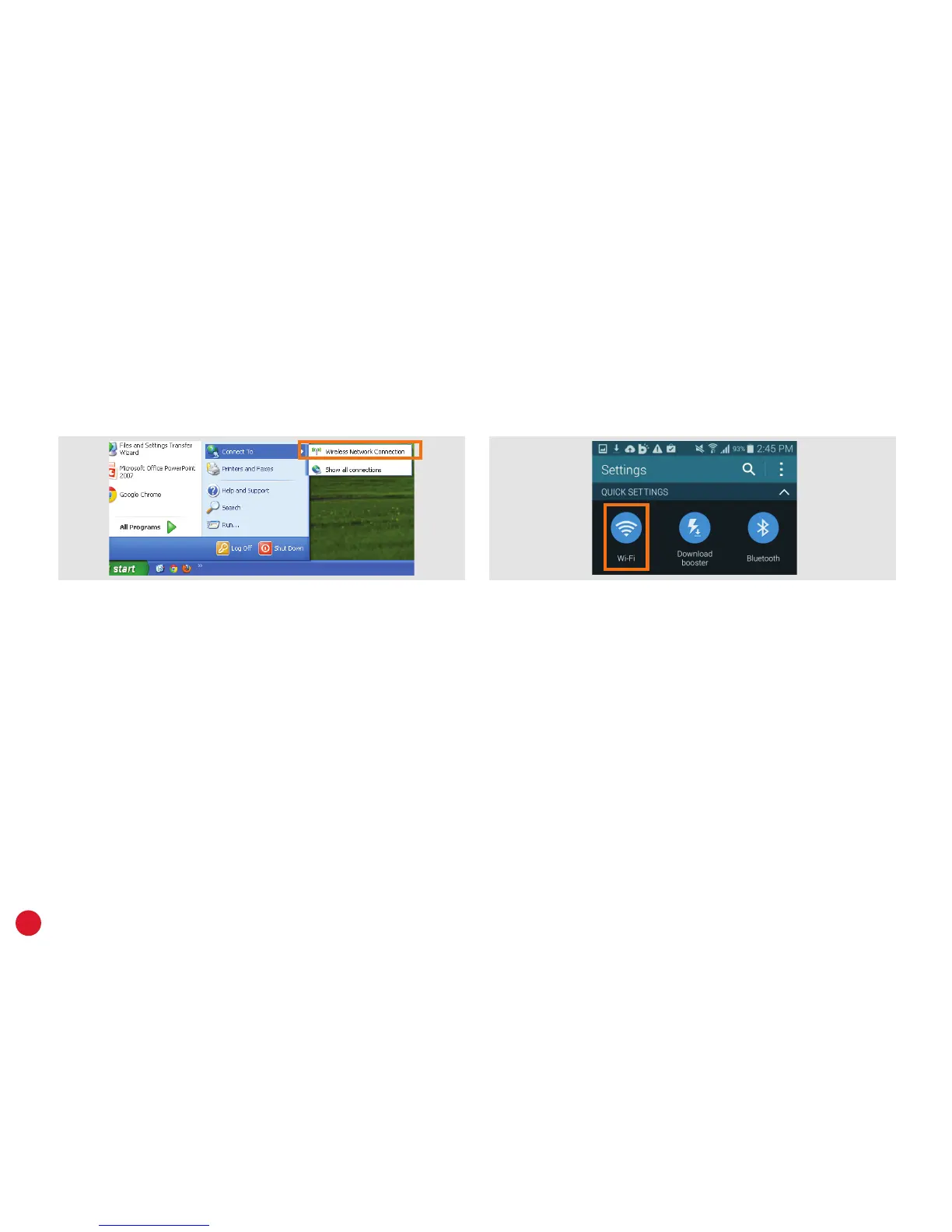
1. Open the Start menu and click Connect To.
2. Select Wireless Network Connection.
3. Select your WiFi network from the list of
available networks and click Connect.
4. Enter your WiFi password and then click
Connect.
ANDROID OS
Android OS may vary. Consult your device’s support
website if these steps don’t work for you.
1. Tap the Apps icon on the home screen and then
tap Settings.
2. Tap Wi-Fi and make sure the WiFi switch is set to ON.
3. Select your WiFi network from the list of available
networks.
4. Enter your WiFi password and then tap Connect.



 To Next Page