9
Manual settings for VDSL broadband
1. On your connected computer or WiFi device, open your web
browser and go to http://10.1.1.1
2. Log in with the default username and password, which are
both admin.
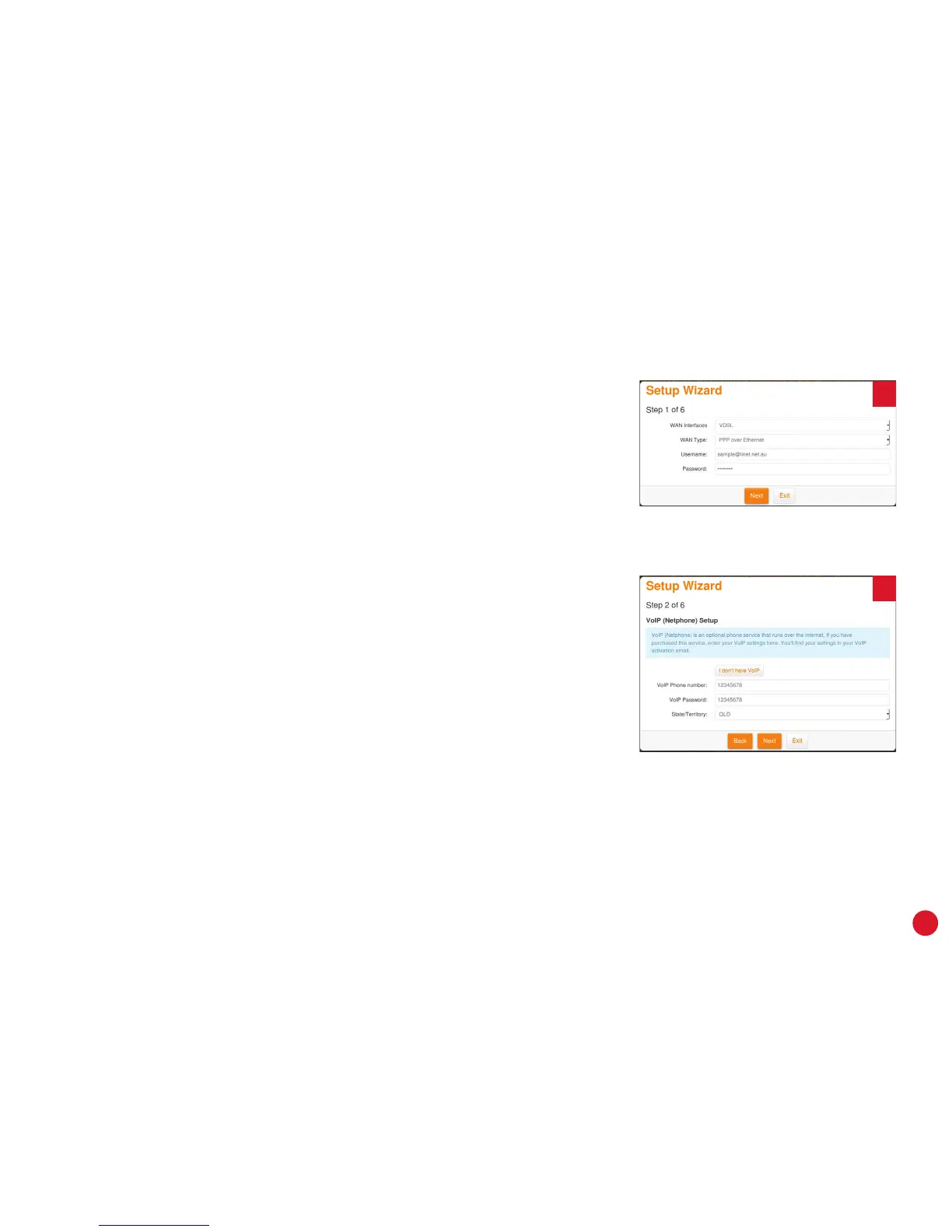
3. The Setup Wizard should run; if not, simply click Setup Wizard
on the dashboard. Enter the following details:
WAN Interfaces: VDSL
WAN Type: PPP over Ethernet
Username: Your broadband username
(include any “@domain.com.au”)
Password: Your broadband password (case sensitive)
4. If you have iiNet Netphone (VoIP), enter your VoIP details on
the next page, otherwise click “I don’t have VoIP”. You can set
up VoIP from other providers later with the steps on page 20.
5. Click Next, and then turn to page 16 to continue with the WiFi
setup.
3
4



 To Next Page