23
WiFi - Windows 7 and Windows 8
WINDOWS 7
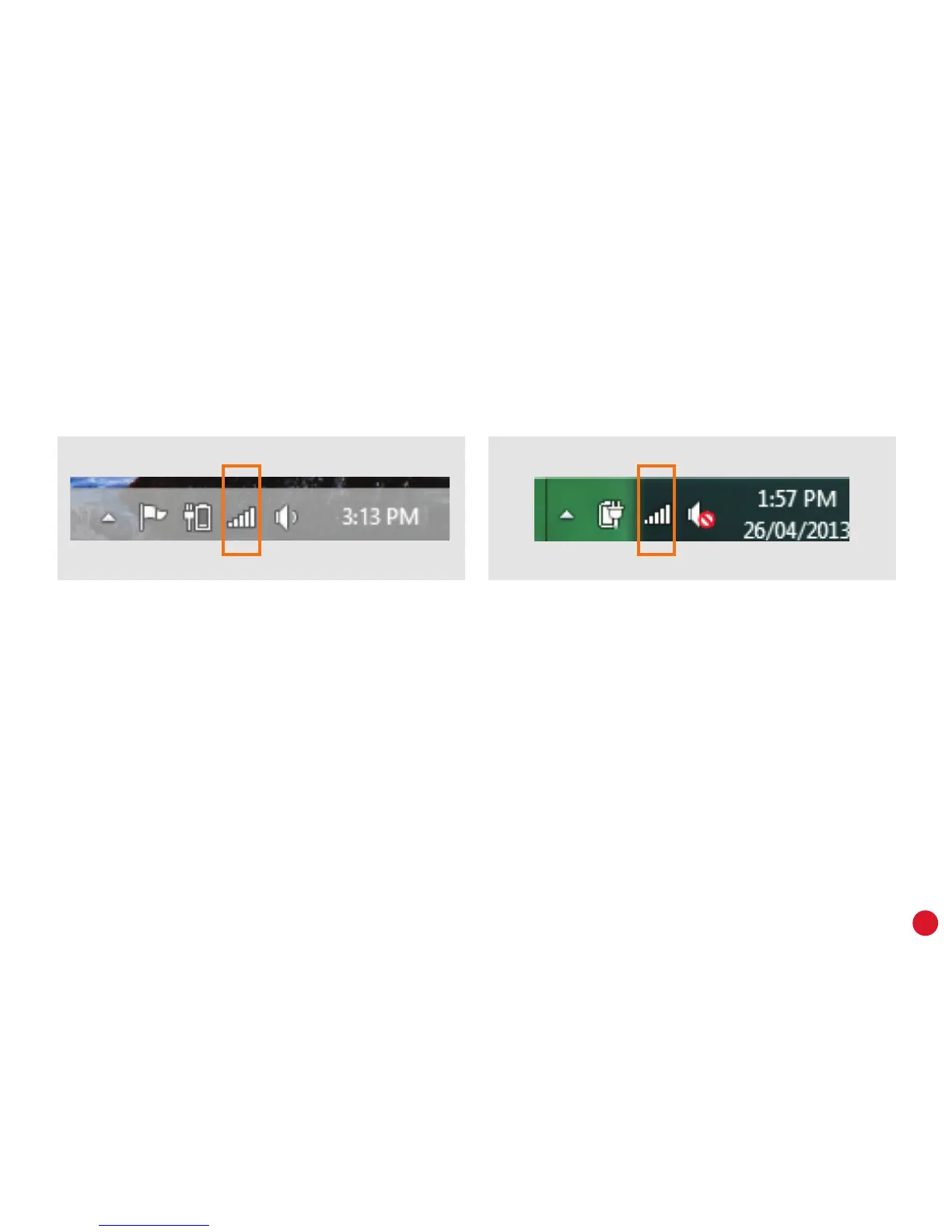
1. Click the Network icon in the bottom right-hand
corner of the screen.
2. Select your WiFi network from the list of
available networks and click Connect.
3. Enter your WiFi password and then click OK.
WINDOWS 8
1. In Desktop view, click the Network icon in the
bottom right-hand corner of the screen.
2. Select your WiFi network from the list of available
networks.
3. Make sure Connect Automatically is ticked and
then click Connect.
4. Enter your WiFi password and then click OK.



 To Next Page