EasyManua.ls Logo

iiNet TGIINet-1 - Get to know your modems lights

iiNet TGIINet-1
28 pages
Print Icon
To Next Page IconTo Next Page
To Previous Page IconTo Previous Page
Loading...
5
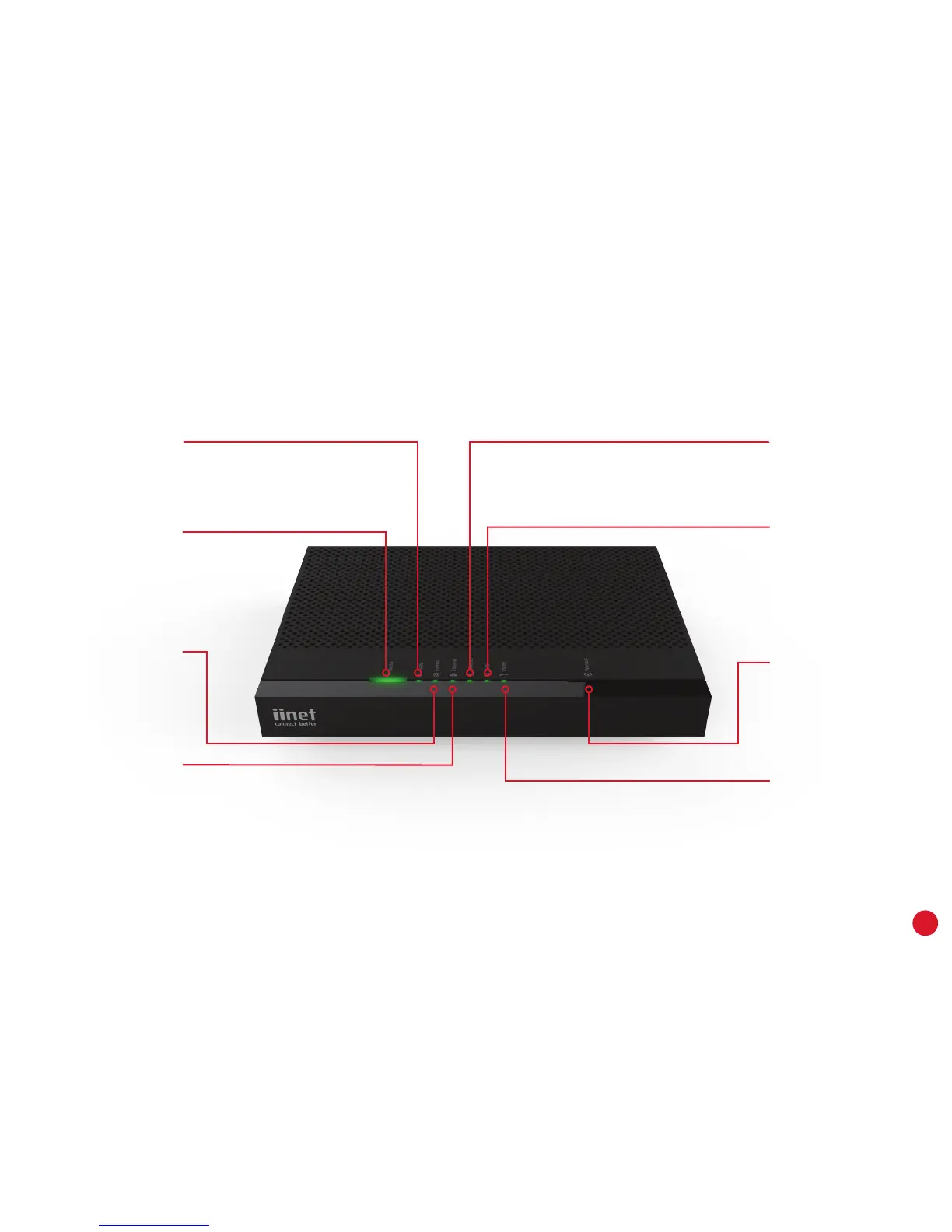
Get to know your modem’s lights
Status
Orange - booting up
Red - Offline
Green - Online
Flashing orange -
Upgrade in progress
Wireless
Green - WiFi is on
Flashing - WiFi booting
up/WiFi activity
WPS
Flashing orange - WPS
connection in progress
Green - Connection
successful
Red - Connection failed
Phone
Green - Netphone enabled
Flashing - Call in progress
Wireless button
Turn WiFi broadcasting
on/off
WAN
Green - DSL or WAN port
connection
Flashing - Connection
activity
Internet
Green - Internet
connection
Red - Connection failed
Flashing - Connection
activity
Ethernet
Green - Ethernet
connection
Flashing - Connection
activity

Related product manuals