2 - Getting started
17
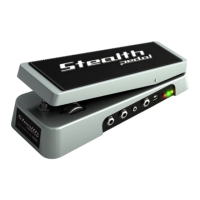
StealthPedal
™
CS
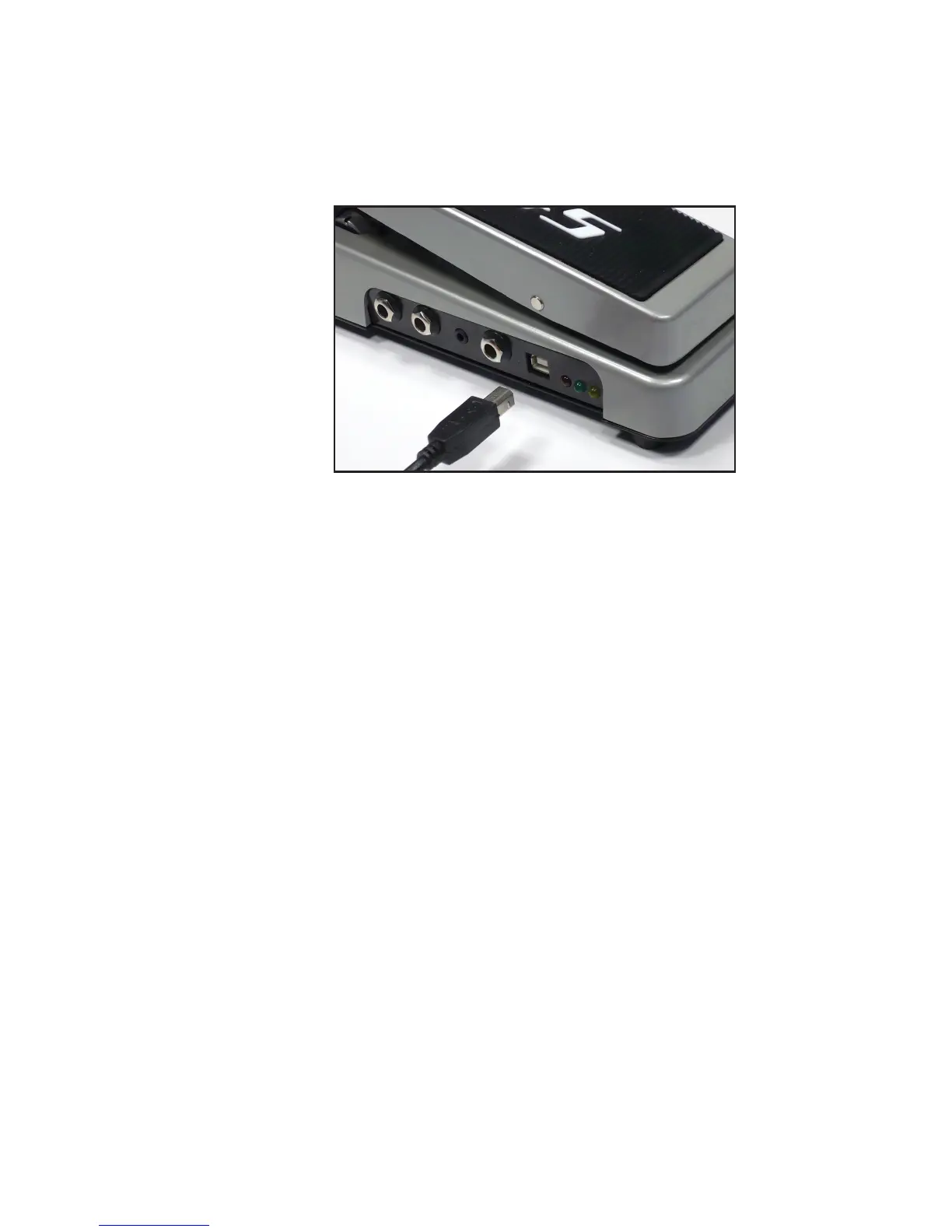
figure 2.2
Mac OS® X:
1. DO NOT connect the StealthPedal to the computer yet.
2. Insert the Installer CD into your computer drive.
3. Double click the file named ‘Install AmpliTube’ to install, register
and authorize the AmpliTube software.
4. Double click the file named ‘Install StealthPedal MIDI Control’ to
install the StealthPedal MIDI Control software.
5. No drivers are needed for the Mac; Simply connect StealthPedal to
an available USB port.
6. Load AmpliTube from: /Applications/AmpliTube.
7. Once loaded, click Settings > Audio Setup. Select Input and Output
drivers to StealthPedal.
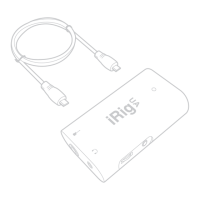
Once the installation finishes you can connect your StealthPedal to your
computer using the included USB cable (figure 2.2).



 To Next Page