2 - Getting started
22
StealthPedal
™
CS
2.11 StealthPedal Control Assignment
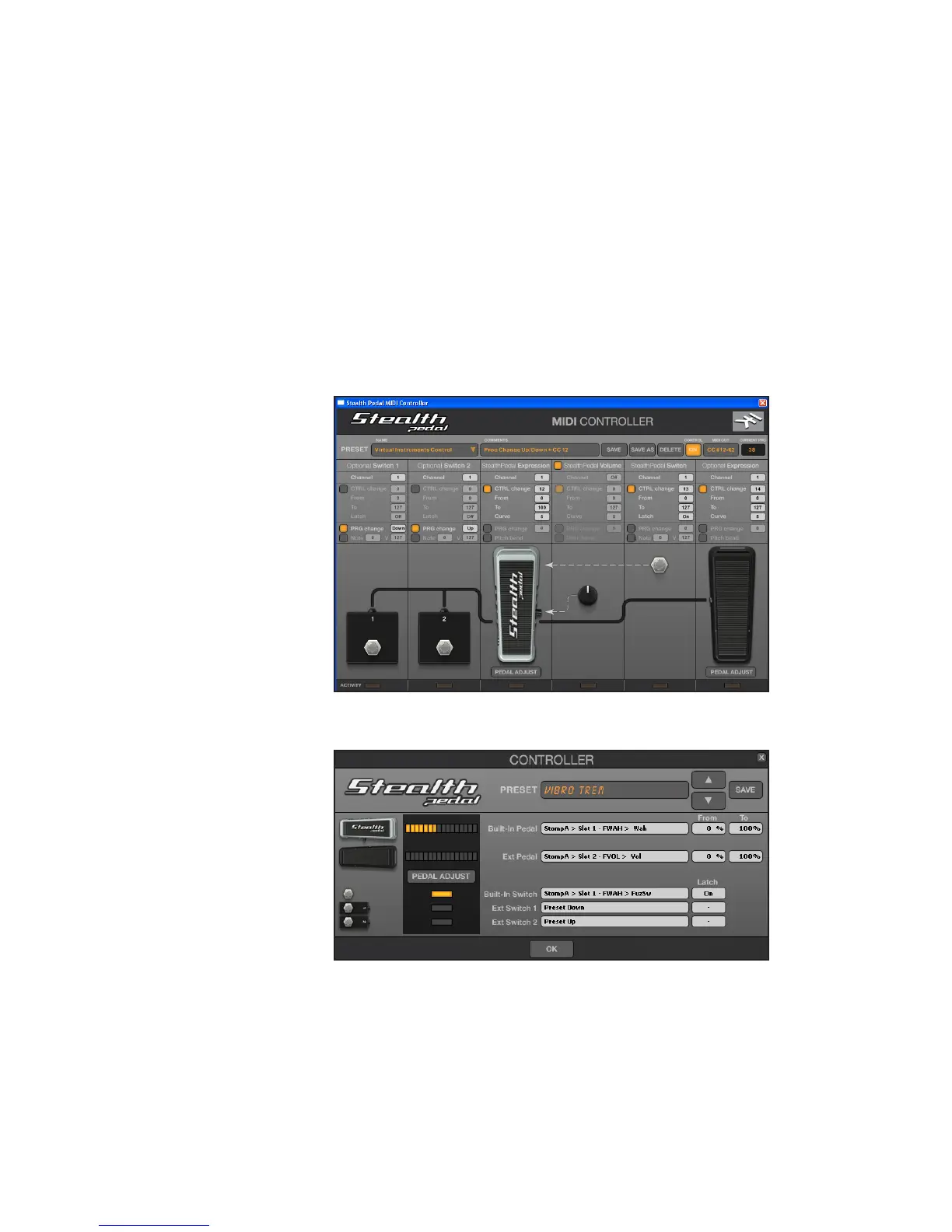
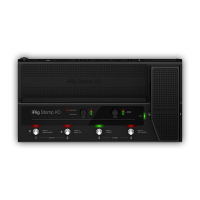
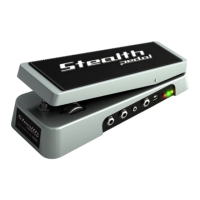
StealthPedal has five controls (continuous ones and switches) that can be
assigned to parameters on your preferred applications (figure 2.7 and 2.8):
• StealthPedal Expression
• StealthPedal Switch
• StealthPedal Volume
• Optional Switch (One and Two)
• Optional Expression
figure 2.7
figure 2.8
To assign these controls, please refer to the following User Manuals:
• For “Powered By AmpliTube Products”: AmpliTube User Manual.
• For other MIDI-Controllable applications: StealthPedal MIDI Control User
Manual.
Both of these User Manuals can be located on your StealthPedal installation disc.



 To Next Page