3 - Setups and Connections
26
StealthPedal
™
CS
3.1 Using StealthPedal in a Home Studio
Outputs
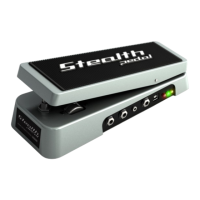
With StealthPedal you can set up a home studio with quality comparable to
many pro-quality studio environments. When playing in a home studio with
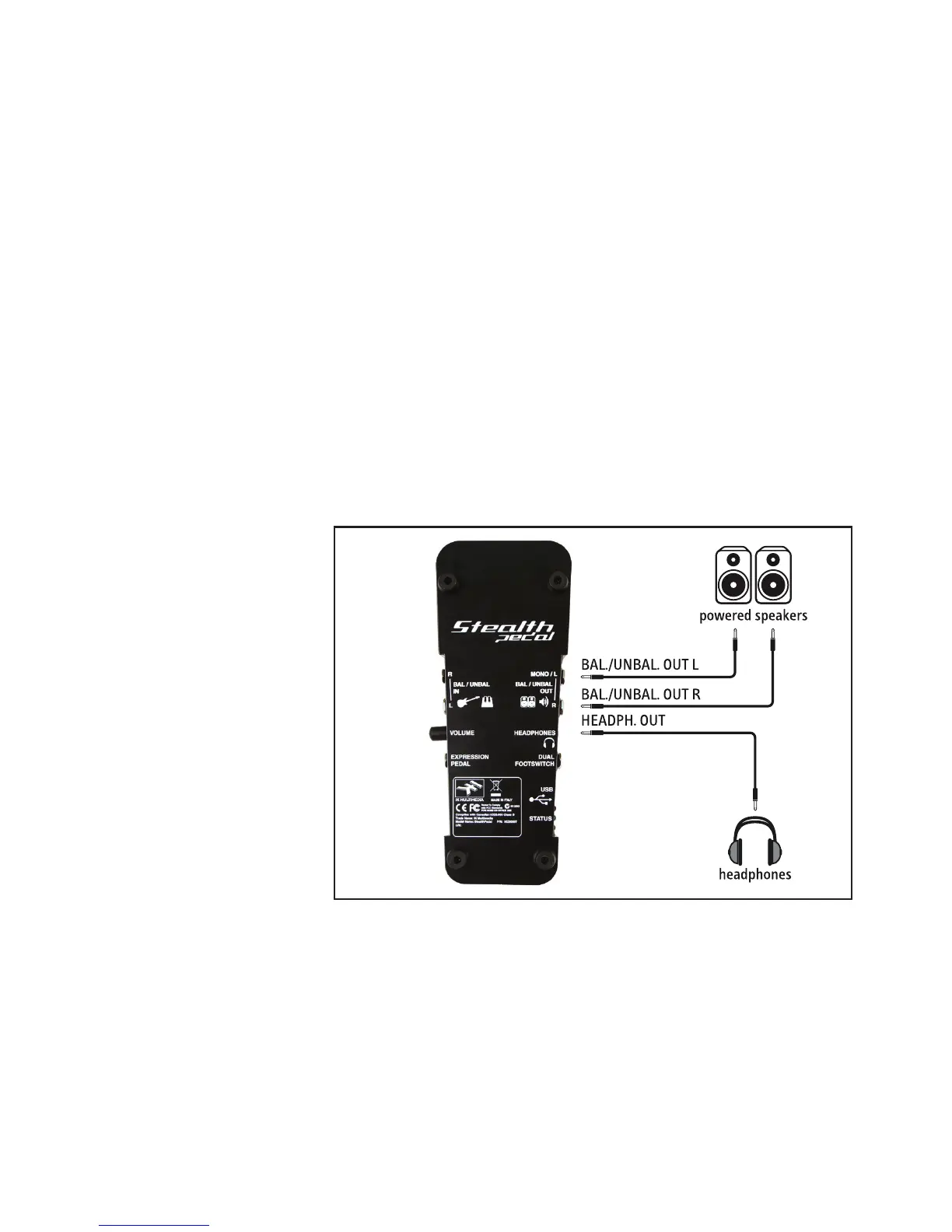
StealthPedal, one usually will plug the unit into a pair of studio speakers,
commonly referred to as “Studio Monitors” (figure 3.2). For best results it is
advisable (when possible) to connect StealthPedal to your Studio Monitors
with balanced 1/4” TRS cables. This will help minimize noise and lead to
the most enjoyable listening experience possible. Please check to see if
your Studio Monitors are capable of receiving a balanced (TRS) cable. If not,
you can use unbalanced (TS) cables. It is not strictly necessary to connect
StealthPedal to a mixer or monitor-controller because a convenient Volume
control is already present on the unit. You can also connect headphones to
your StealthPedal by using the 1/8” Phones jack.
figure 3.2



 To Next Page