For more details, please visit www.iliferobot.com6
English
Product Composition
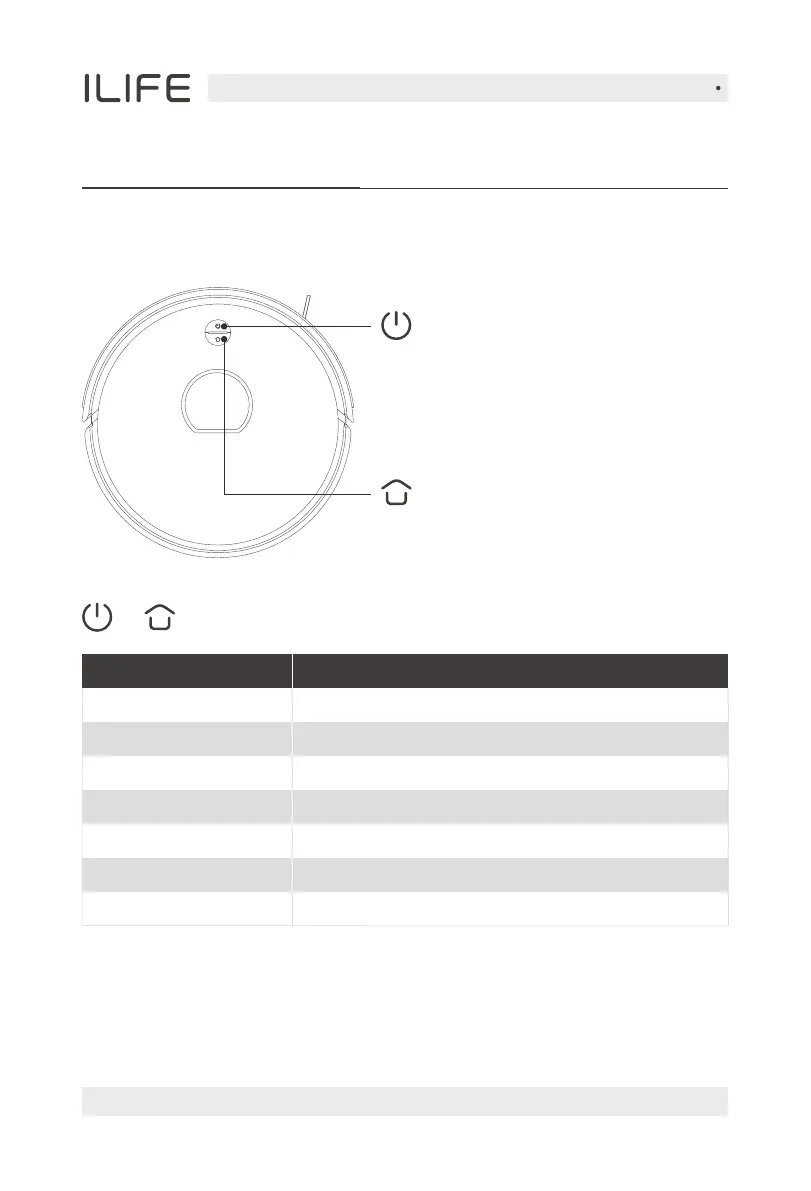
Host Introduction
Status
Cleaning
Recharging
Charging
Low power
Fullycharged
Alarming
Standby
light
Green light on
Green light flickering
Orange light flickering
Orange light flickering
The green light stays on and then goes out
Red light flickering
Off
+ Indicator status
● Press it to recharge/pause
Recharge/Pause
● Press the button to
start cleaning / pause
● Press and hold the AUTO button
for 3 seconds to turn on, and press
and hold it for 5 seconds to turn off.
Power/Clean/Pause


 To Next Page