ILIFE
nglish •
Product Operation
f)
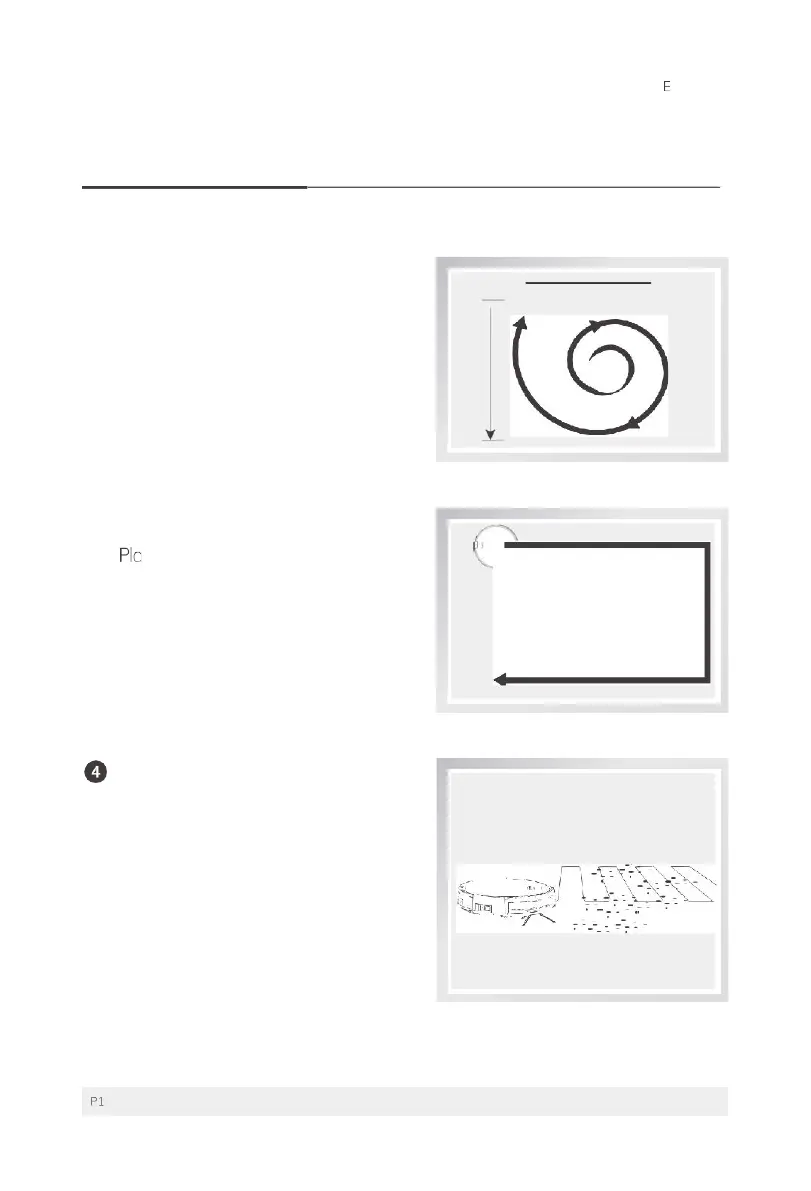
Point Mode
•
Place the robot near the required area,
and then press the button
q:) on the
robot or button []t] on the remote
control to start cleaning in Point Mode.
9
Border Mode
• ce the robot near the required area,
and then press button
00
on the
remote control to start cleaning in
Border Mode.
MAX Mode
•
lf there is heavy dust during the
cleaning process, please press the
button C0 on the remote control and
"HI" will show up on the display panel
to enhance the vacuum power for
deep cleaning; press again to switch
back to normal vacuum power, and
"LO" will show up on the display panel.
For more details information, please visit: www.ilifecare.in



 To Next Page