Robot Operation
0 Clean/Pause Button ®
B.
Press the button when in Select Mode to start cleaning.
C.
Press the button to Pause the robot during its operation.
f) Path Mode @)
A.
Press the button to switch the robot from Sleep Mode to Select Mod e.
B.
Press the button under the Select Mode to start cleaning in the Path Mode.
C.
Press the button to Pause the robot during its operation.
8
Direction Buttons
A.
" ® " Under selected mode or cleaning mode, press the button to let vacuum
go back to charge station. Press the button to increase the number under
Schedule/Time setting mode.
B.
" " Under select mode or cleaning mode, press the button to start spot
cleaning. Press the button to decrease the number under Schedule/Time
setting mode.
Mode Selection
There are several cleaning modes to fit various floor conditions for deep
cleaning. You can make a choice with the remote control.
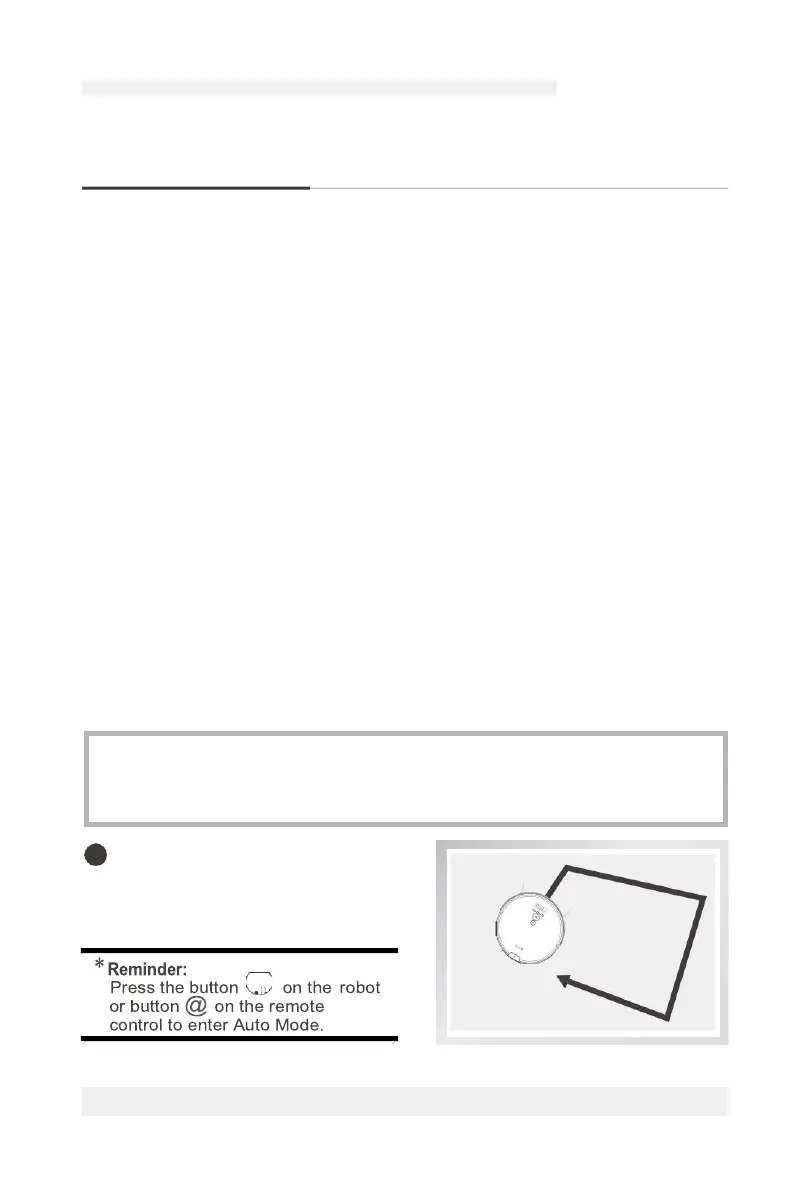
Auto Mode
•
Auto cleaning mode cleans harne
automatically and does a clean to
places it can reach.
•You can use the remote control to switch between various modes.
•You need to make sure that the robot is awake before starting any of the
following modes. The power is on, the button light is green. The display panel
is on, and the robot is paused.
For more details information, please visit: www.ilifecare.in
A. Press the button to switch the robot from Sleep Mode to Select Mode.



 To Next Page