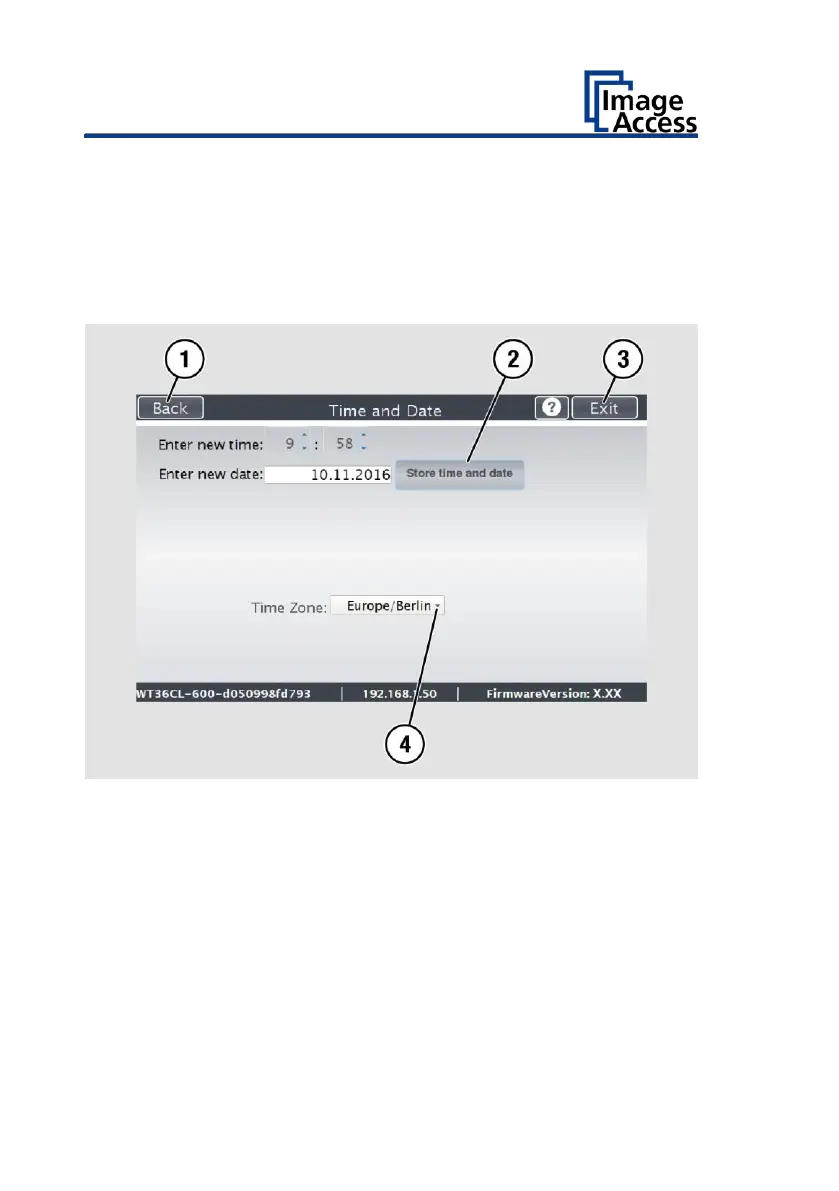
➢ To select the time zone, tap the selection arrow (4).
A selection list with available time zones is displayed.
➢ Select the appropriate time zone.
➢ To save the time zone, tap SET TIME AND DATE (2).
➢ To return to the previous submenu, tap BACK (1).
➢ To return to the Home Screen, tap EXIT (3).











 To Next Page