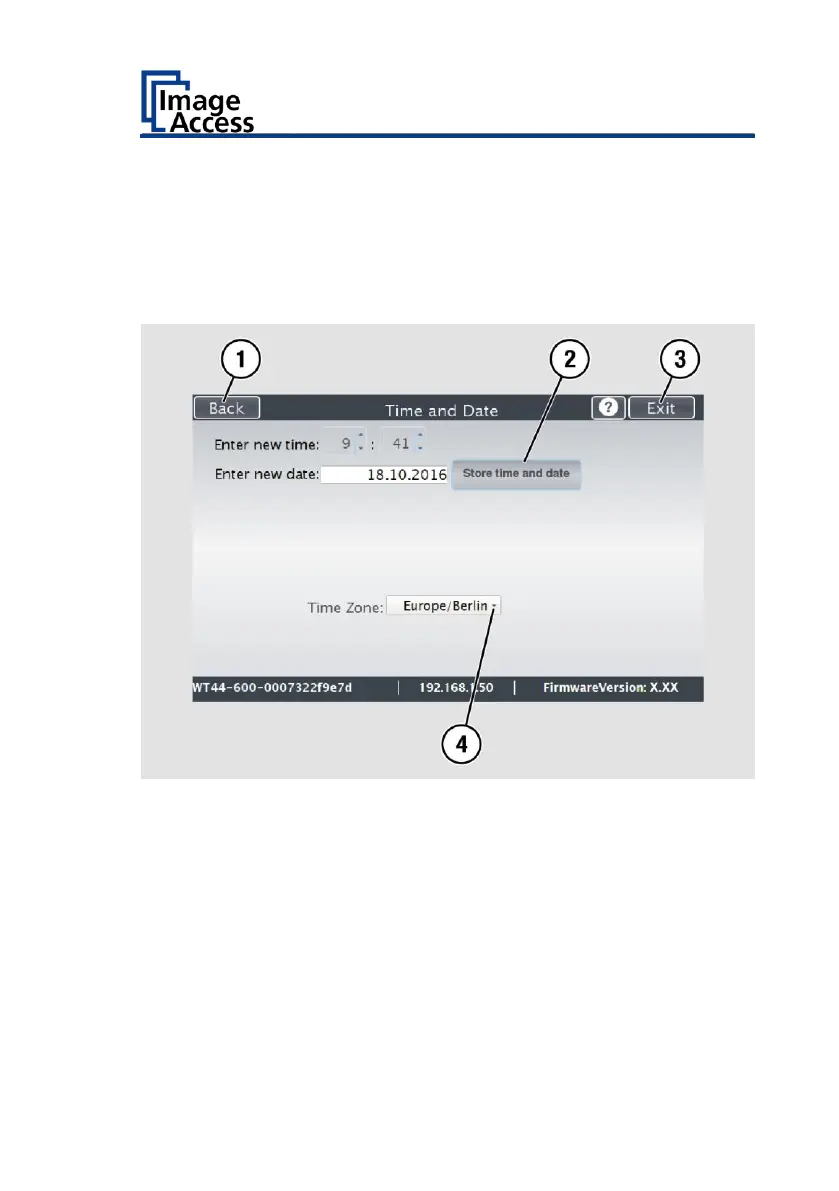
To select the time zone, tap the selection arrow (4).
A selection list with available time zones is displayed.
Select the appropriate time zone.
To save the time zone, click STORE TIME AND DATE (2).
To return to the previous submenu, tap BACK (1).
To return to the "Start screen", tap EXIT (3).










 To Next Page