13
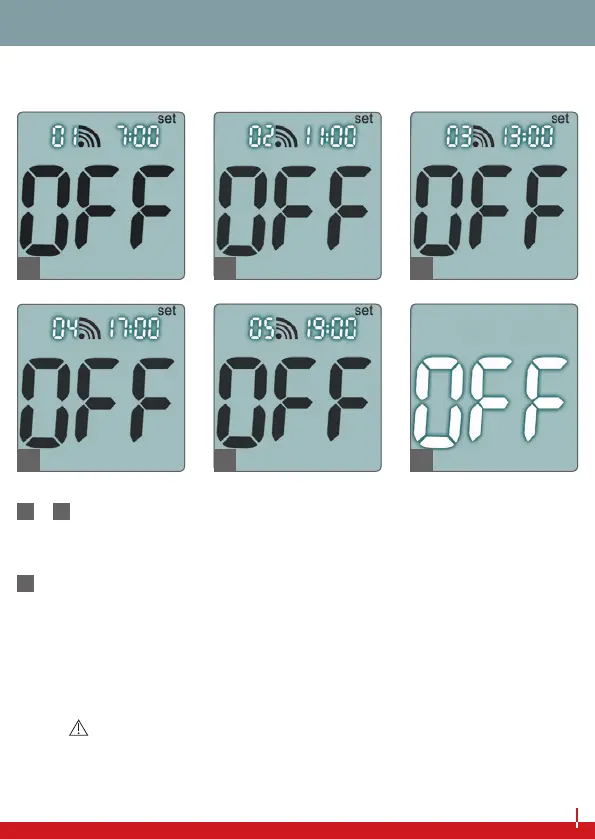
TEST REMINDER
6
–
10
Set button pressed sixth to tenth times:
‘Test reminder’ setting: up to ve dierent test reminder times
can be set (see page 14).
11
Set button pressed eleventh time: The blood glucose meter
switches itself o.
Finally, place the battery cover on the device.
NOTE
If you change settings using the set button and main button, you
will need to go through all of the settings until the blood glucose
11
6
7
8
9
10
CONFIGURATION


 To Next Page