8
Data port
Light button
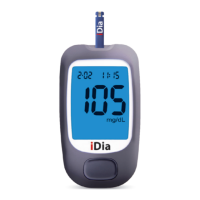
Pressing the light button when the blood glucose monitoring
system is switched on will activate the display's blue background
lighting. This makes it possible to take and read measurements
correctly even in low light conditions.
DESCRIPTION OF SYSTEM COMPONENTS
LIGHT BUTTON AND DATA PORT


 To Next Page