K2950SCHEDESS_01 – K2950SCHEDESS_02 (E141203X)
6
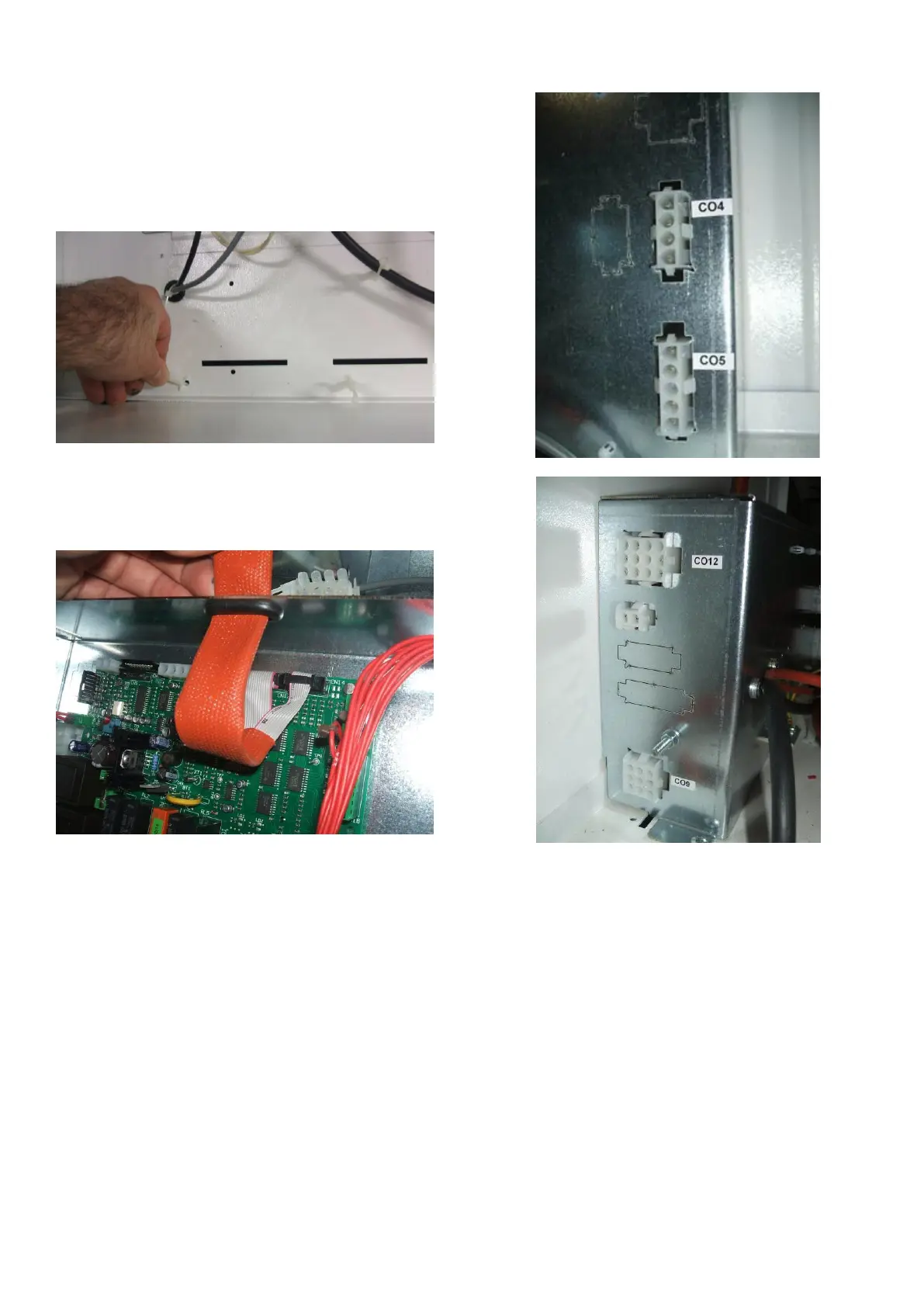
d) Remove the wiring plastic ring support
(new supports are supplied with the kit).
Remove the plastic cable ties, if present,
and remove the wiring. Place the wiring,
correctly divided, on the above shelf.
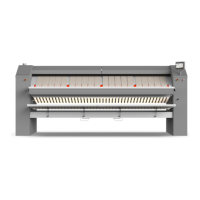
e) Using the suitable opening on the IM 7
box, bring the display double flat to the
CN14 and CN12 connector and install it.
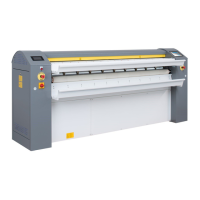
f) Label the CO connectors on the IM7 board
box as shown in the below pictures:
g) Place the IM 7 box on the above shelf, on
the right side, 10 cm distant from the front
profile.


 To Next Page