14
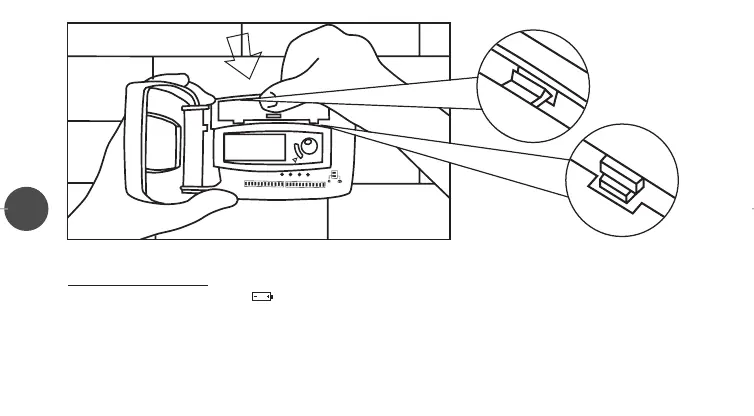
F) Close the battery compartment by matching the two top tabs in their slots (1) and then pressing on the bottom ones (2).
BA
TTERY REPLACEMENT
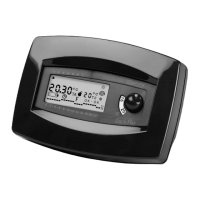
When the display shows a blinking “ ” (low batteries), the chronohermostat will still work properly for another month, after
that it will stop working and four “EEEE” will appear on the display (battery life:1 year).
To replace batteries, follow the steps A), B), E) and F) of the previous paragraph.
WARNING:
We recommend that the batteries be replaced on the heating system start-up.
Once the batteries are replaced, close the battery compartment lid, press the reset button (R) and reset the time as descri-
1
2
LIBR. CRX/E INGLESE 24-01-2000 16:42 Pagina 15


 To Next Page