Chapter 5 CPU Module
5-
ె
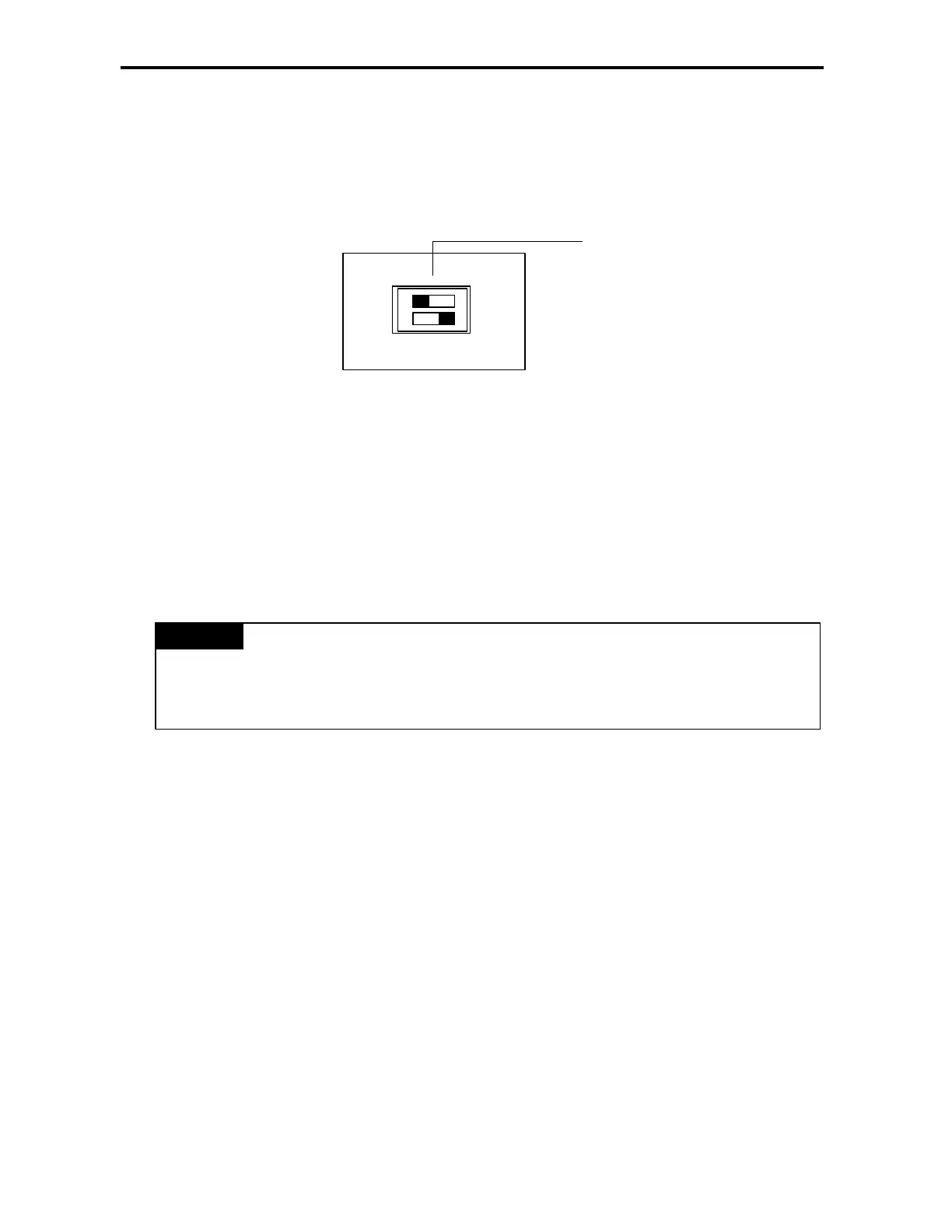
2) Run the PLC with a program of external memory module
(1) Turn the power of the base unit off.
(2) Install the memory module (When only base unit is used, connect to the expansion connector of the base unit.
And when expansion unit is used, connect to the expansion connector of the last connected expansion unit).
(3) Set the dip switch for ROM mode setting of the base unit to OFF position.
(4) Turn on the power of the base unit.
(5) As RUN LED and ERR. LED are on, the contents of the memory module is transferred into the program area of
the base unit and ROM operation area of the flash memory. (It may take about 15 sec.)
(6) Operate according to the set operation mode.
(7) Turn off the power of the basic unit.
(8) Remove the memory module.
(9) Turn the power on.
Through the above steps the user can operate the PLC with program stored in the external memory module.
1) When the PLC is operated with the external memory module, it always operates with restart.
2) Remove after the program transfer is finished.
REMARK
ROM MODE
ON
OFF
This switch is for Cnet.


 To Next Page