13 Index V4 Embosser manual
© 2015 Index Braille
www.indexbraille.com
1. Open the paper tray.
2. Move the rear stop into the correct position for the paper size.
3. The margins guide is factory adjusted for A4/A3 paper (297 mm). When
11 inch paper is used (11x8,5 11x11.5 or 11x17) the margin guide has to
be adjusted using the longer screws included in the shipment.
For more see YouTube video
Index Braille - Adjust paper tray guides Braille Box V4.
4. Insert paper.
5. Close the paper tray.
When the recommended paper sizes of A3 or 11x17 inch are used the Braille
Bray may be used without Braille stack support.
When printing on A4, Letter, 11x11,5 inch paper (not recommended), please
use the Braille Stack support. It will hold the braille stack in place.
4.3 Adjustment of cutting position Acoustic Hood Basic V4
Requirements
The used paper size has to correspond with the paper size setting of the Basic-D
Make sure the embosser feet are properly positioned into the indents in the shelf.
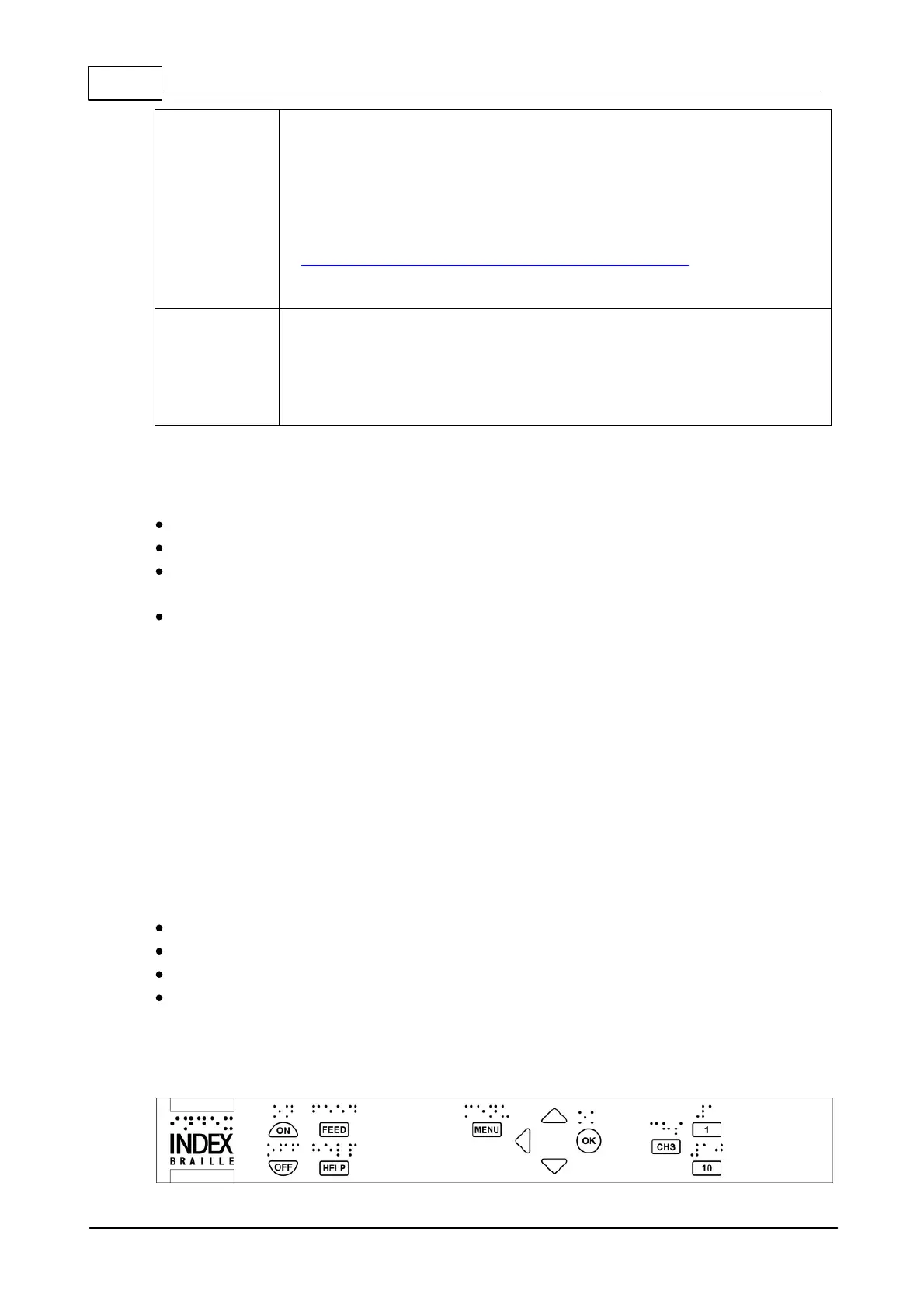
The Basic-D V4 embosser is equipped with Firmware 1.5.3 or higher (press HELP on the
embosser's interface panel to identify your current version)
Set Feed to 86 mm by pressing
Menu/system//braille block position///feed//// is 86 mm.
Where:
0 = paper stays in embossing head position
86 = paper moves out 86 mm to suite Acoustic Hood Basic V4 (with cutting mechanism)
650 = paper moves 650 mm to suite older type of floor standing Acoustic Cabinet.
Fine adjustment of the paper cutting position
Go to
Menu/System//Braille Block Position/// Adjust stand by position
presented with synthetic English speech and press OK. Now adjust the position by in steps of
1.0 and 0,1 mm until correct compensation has been reach, save the value with OK + MENU.
Adjustment keys
1 = moves cutting position 0,1 mm
10 = moves cutting position 1,0 mm
chs = change between move backwards (positive) and move forward (negative)
OK and MENU are used as normal.
5 Control panel settings



 To Next Page