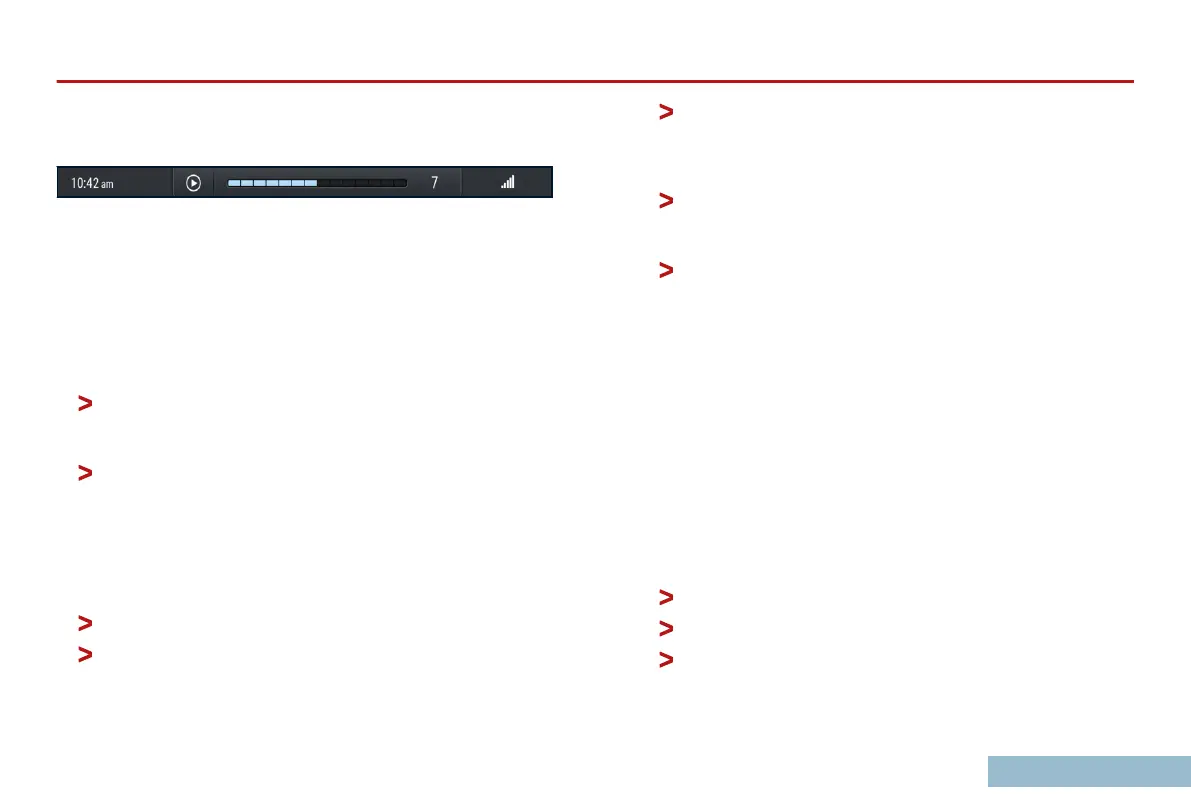
The temperature overlay will appear as you adjust the climate
controls.
The volume overlay will appear when you adjust the audio
volume.
The Tabs Panel
(C): shows the content for the selected tab. There
are six tabs to choose from.
Home
The Home tab is divided into two sections:
The upper section shows audio information such as the
currently playing and
upcoming tracks in a playlist, the
selected radio station, or SiriusXM content.
The lower section shows a list of favorite contacts from a
connected phone.
Oroad
The Oroad tab displays
a menu of features useful for driving o-
road. Selectable displays on this tab include:
Attitude: wheel angle, altitude, g-force, pitch, and roll.
Temperature: tire pressures and tire, automatic
transmission, and transfer case temperatures.
Pathnder mode: this
display has navigational sub-
displays RECORD PATH and FOLLOW PATH for collecting
or following waypoints, and ROADBOOK for tracking
distances while navigating with a roadbook.
Statistics: shows statistics for the current trip, including
current location (latitude/longitude),
altitude, travel time
and distance, average speed, and average fuel economy.
Electrical: shows current charge, battery temperature,
voltage, and state of charge.
Phone
The Phone tab
displays features of a connected phone. It shows
your phone's contact list, allowing you to search by name and
make calls. You can also add favorite contacts to your HOME tab
for faster access. The tab provides a history of recent calls and
oers options for dialing, accepting or rejecting calls, and handling
ongoing calls.
Audio
The audio tab lets you select and play audio from dierent
sources, including:
Apple CarPlay.
Android Auto.
Radio.
SiriusXM.
OVERVIEW
25



 To Next Page