29
OM
Smart tip: Massage Width can’t be
adjusted when in Kneading, or Sync mode
techniques. Massage Speed can’t be
adjusted when in Shiatsu.
Massage Speed
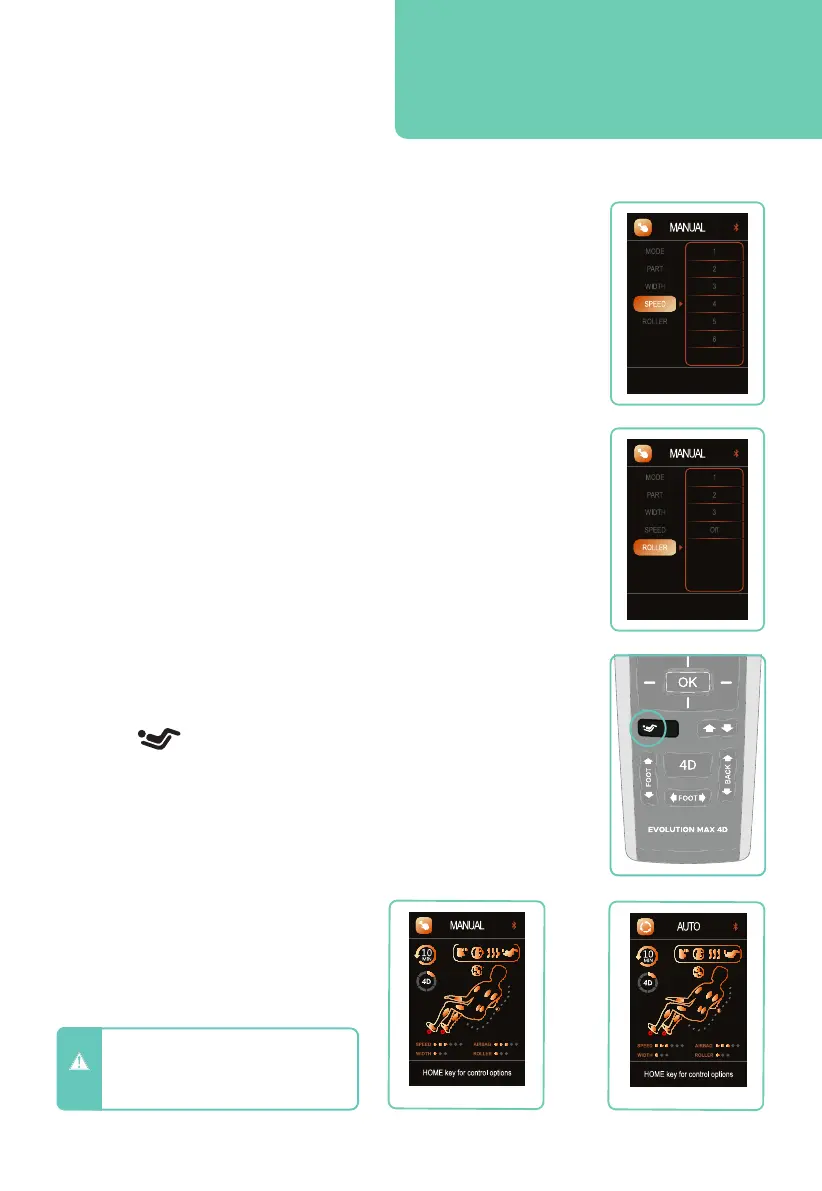
Navigate to SPEED, press right button, then use the up or down
button to select your desired speed: 1 = slow, 6 = fast. Press OK
button to select the speed. (Massage Speed can’t be adjusted when in
Shiatsu).
While the in-use screen is displayed during a massage program, press
the up or down directional button to adjust the massage speed. Your
current massage speed is displayed in the bottom left corner.
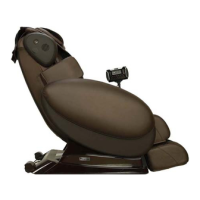
Weightless Zero Gravity Recline
Zero Gravity mode will recline the back and elevate the feet to
reduce the gravitational force on your spine. To activate, simply
press the ZEROG button on your remote control.
Press once for Zero Gravity 1, press again for Zero Gravity 2, press
again to restore recline to upright position.
Navigate to ROLLER, press right button, then use the up or down
button to select your desired foot roller and calf oscillation speed:
1 = slow, 2, 3 = fast, or OFF (deactivate foot rollers + oscillation).
Press OK button to select the setting.
Alternatively, press the Foot Roller button on your remote control.
If the foot rollers are on, pressing this button will turn the foot
rollers off. Press again to turn on. Your current foot roller speed is
displayed in the in-use screen in the bottom right corner.
Foot Reflexology Rollers &
Total Calf
TM
Kneading and Oscillation
Remote Control In-Use Screen
Whilst running an Auto Program or
Manual mode, the remote control
screen will return to the in-use
screen (as shown below) after 10
seconds of being idle.
Manual in-use screen
Auto Program in-use screen
CAUTION
- Do not spill liquids on remote control
and avoid placing heavy objects on
remote control or power cord to
avoid damage or malfunction.










 To Next Page