EasyManua.ls Logo

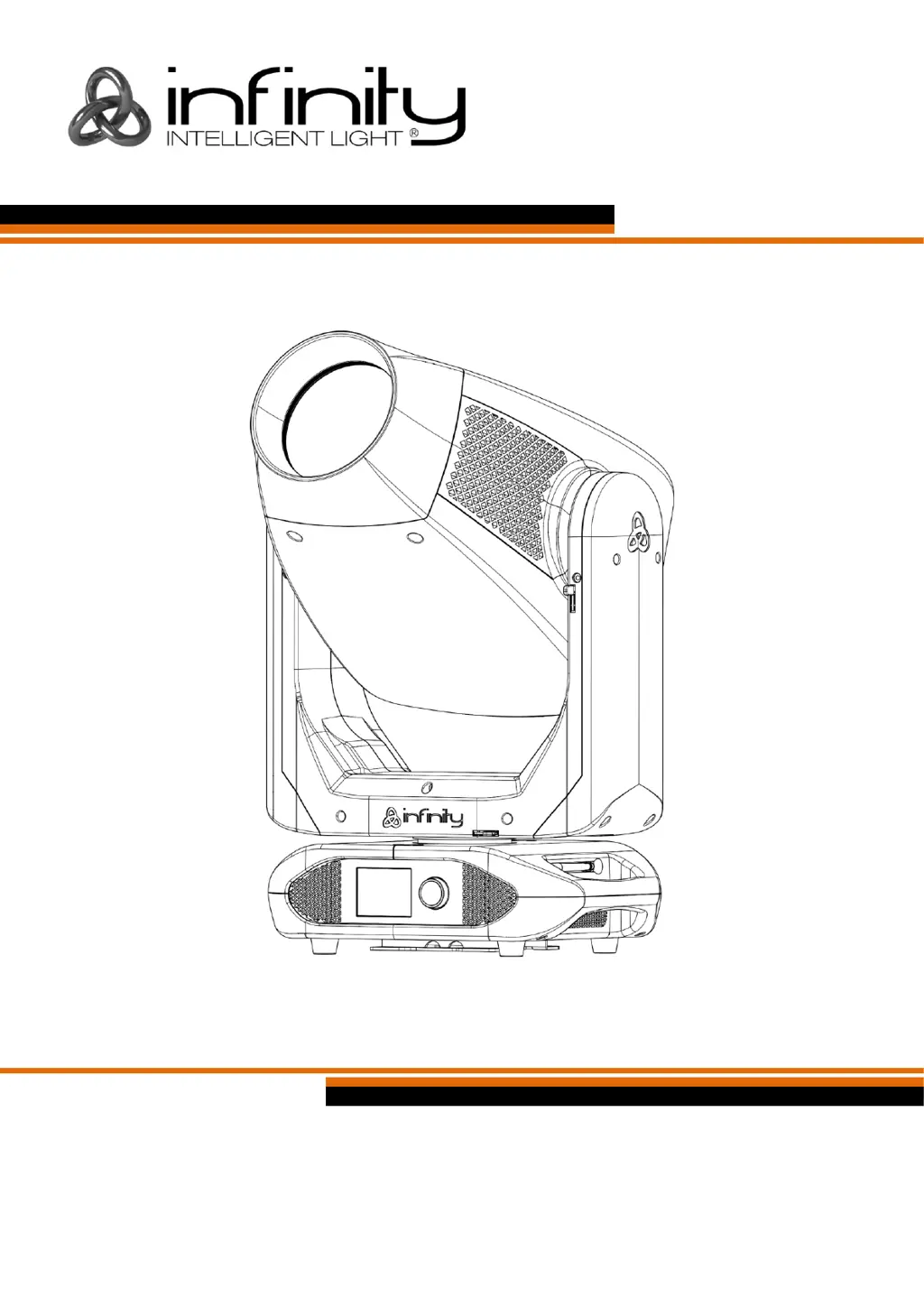
Infinity S601 Profile - User Manual

Infinity S601 Profile
64 pages
Print Icon
To Next Page IconTo Next Page
Loading...
Infinity S601 Profile V1
Highlite International B.V. Vestastraat 2 6468 EX Kerkrade the Netherlands
Ordercode: 41507
MANUAL
ENGLISH

Table of Contents

Questions and Answers

  • J
    Jessica FitzgeraldAug 9, 2025
    How to fix Infinity S601 Profile Light Fixture when there is no light?
    • D
      David MartinezAug 10, 2025
      If your Infinity Light Fixture isn't producing light, there are several potential causes. First, ensure the unit is properly plugged into an appropriate power supply. If the fuse is the problem, try replacing it. If the LEDs are the cause, you should return the device.
  • M
    manuelgardnerAug 15, 2025
    What to do if one or more Infinity Light Fixtures do not function at all?
    • R
      Renee RuizAug 15, 2025
      If one or more of your Infinity Light Fixtures aren't working, start by checking if the power is switched on and the cables are securely plugged in. Also, check the primary fuse and replace it if it's blown.
  • J
    Jamie HayesAug 19, 2025
    Why Infinity S601 Profile not responding to DMX?
    • M
      Marie HensleyAug 19, 2025
      If your Infinity Light Fixture isn't responding to DMX, first check the DMX settings to ensure the DMX addresses are correct. Then, inspect the DMX cable by unplugging the unit, changing the cable, and reconnecting the power. To determine whether the controller or light effect is at fault, test the controller with other DMX products or take the DMX cable and the light effect to a qualified technician.
  • S
    Sharon HaydenAug 25, 2025
    What to do if Infinity Light Fixtures reset correctly but some respond erratically?
    • G
      Gabrielle LongAug 26, 2025
      If some of your Infinity Light Fixtures are responding erratically after a reset, it could be due to several reasons: * Check the data quality. * Inspect connections and cables, correcting poor connections and replacing damaged cables. * Insert a termination plug in the output jack of the last fixture on the link. * Check the address settings. * Bypass one fixture at a time by unplugging both connectors and connecting them directly together to identify a defective fixture. * Install a phase-reversing cable between the fixtures or swap pin 2 and 3 in the fixture that behaves erratically.
  • M
    Margaret WareAug 29, 2025
    Why does Infinity S601 Profile Light Fixture have no light or LEDs cut out intermittently?
    • R
      Ryan JonesAug 29, 2025
      If your Infinity Light Fixture experiences intermittent light loss or LED cutouts, it might be overheating. Allow the fixture to cool down, clean the fan, and ensure that air vents in the control panel and front lens are not blocked. Also, make sure the power supply settings match your local AC voltage and frequency. If the LEDs are damaged, disconnect the fixture and return it to your dealer.
  • L
    Luke RomeroSep 4, 2025
    How to troubleshoot Infinity S601 Profile Light Fixture when all respond erratically?
    • M
      martinezginaSep 4, 2025
      If all your Infinity Light Fixtures respond erratically after a reset, ensure the controller is properly connected. If the 5-pin XLR Out of the controller doesn't match the XLR Out of the first fixture, install a phase reversing cable between the controller and the first fixture.

Infinity S601 Profile Specifications

General IconGeneral
BrandInfinity
ModelS601 Profile
CategoryLight Fixture
IP RatingIP20
Light SourceLED
Color Temperature6500K
Profile MaterialAluminum
InstallationSuspended