03) Once you have selected the desired function, press the control to confirm your choice.
04) Turn the control in order to select YES or NO.
05) Press the control to confirm your choice.
06) If you have selected YES, the function in question will be reset.
4. Manual Control
With this menu you can set Manual mode.
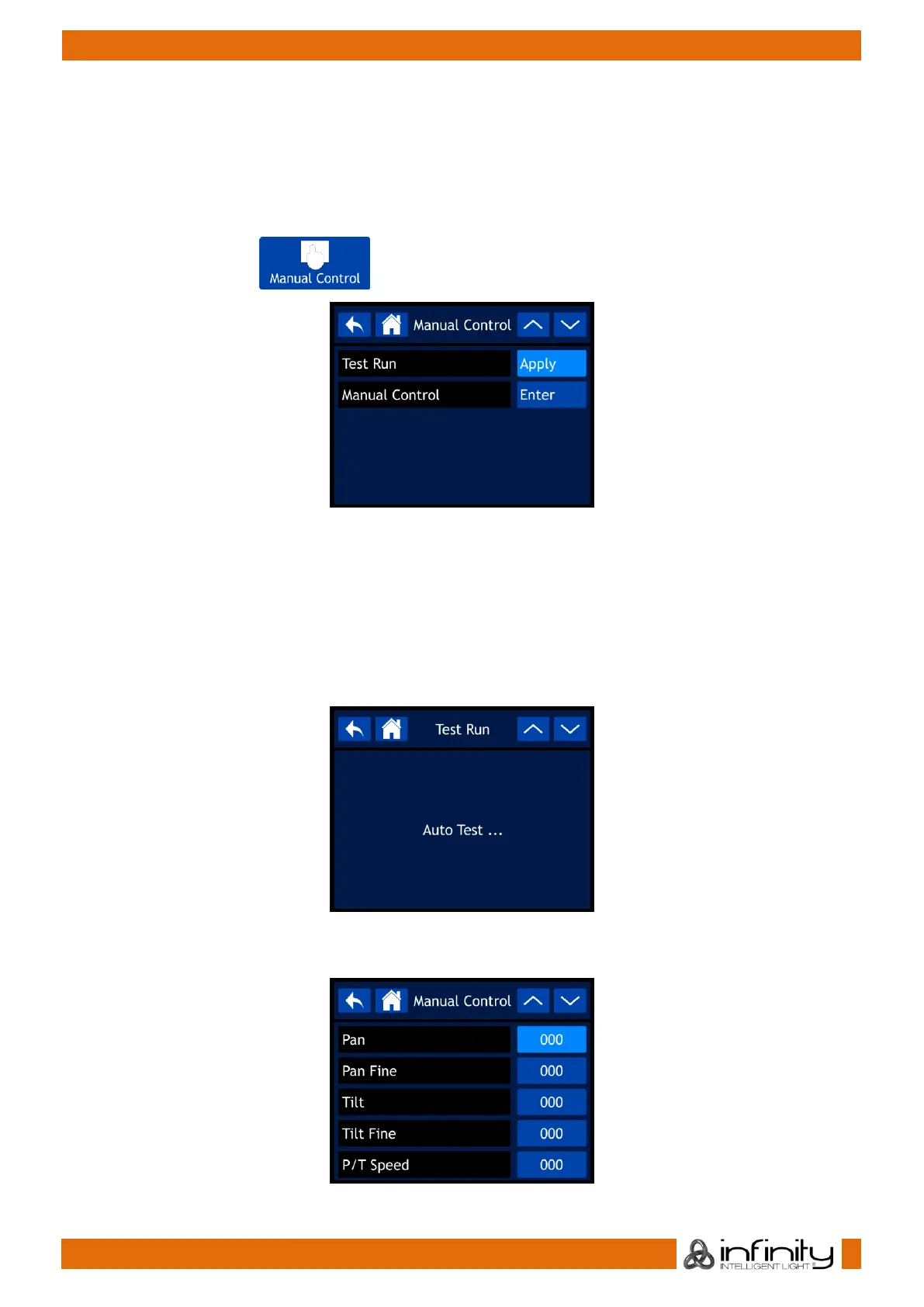
01) In main menu, select and enter the menu. The display will show:
02) Use the control or the UP/DOWN buttons to toggle through the 2 submenus.
03) Once you have selected the desired submenu, press the control to confirm your choice.
04) Turn the control in order to adjust the values.
05) Press the control to save your settings.
06) The available submenus are:
● TEST RUN
● MANUAL CONTROL
07) If you have selected TEST RUN, the display will show:
08) The device will now test its functions.
09) If you have selected MANUAL CONTROL, the display will show:



 To Next Page