3.3. Touch Calibration
With this menu you can calibrate the touch screen.
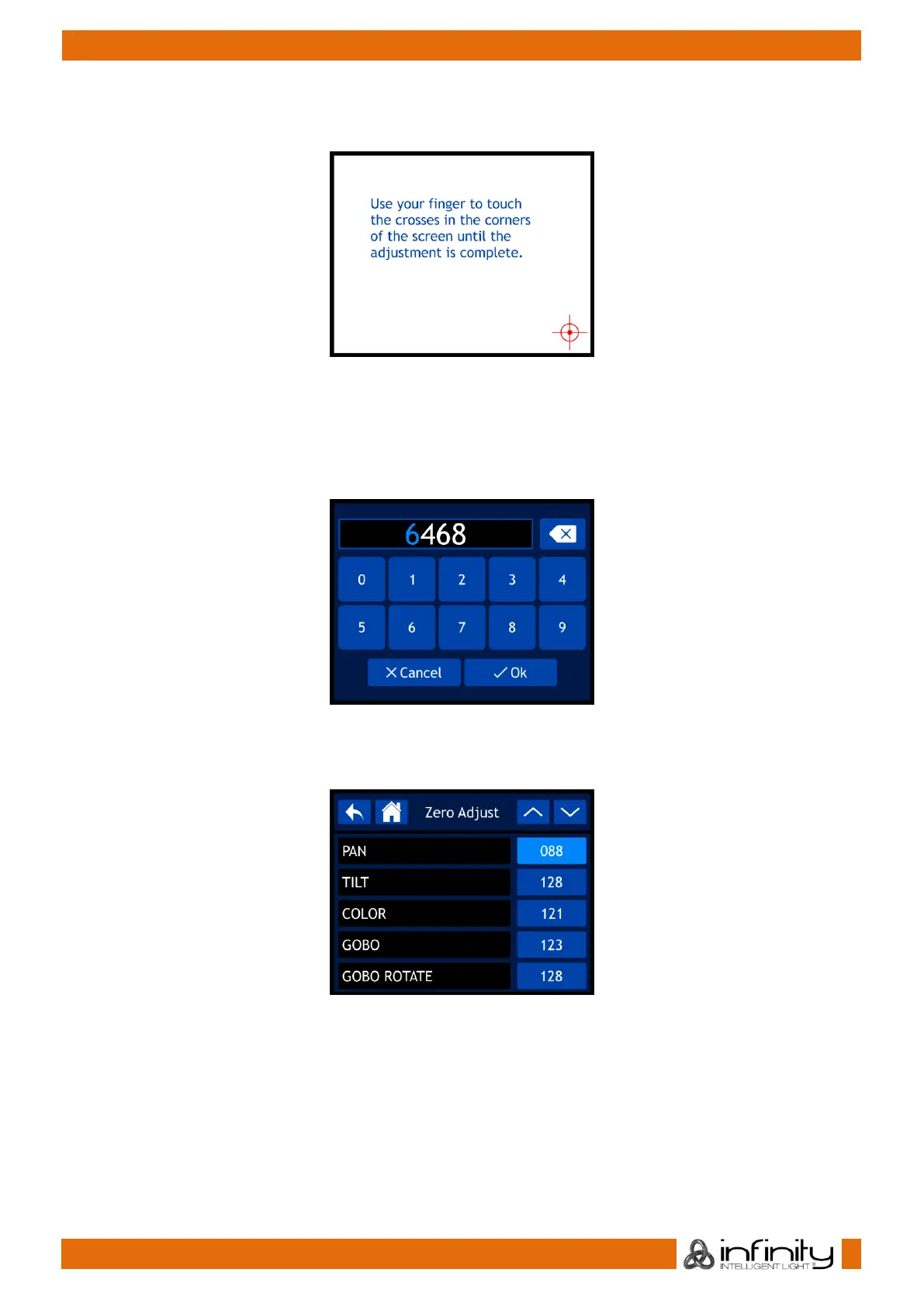
01) If you have selected TOUCH CALIBRATION, the display will show:
02) Follow the instructions on the display until the touch screen calibration is complete.
3.4. Service Menu
With this menu you can fine-tune various function-related discrepancies and imperfections, according to
your preferences.
01) If you have selected SERVICE MENU, the display will show:
02) Turn and press the control in order to insert the master code: 6468.
03) Alternatively, you can type the values in, using the buttons on the screen.
04) Select OK to confirm. The display will show:
05) Use the control or the UP/DOWN buttons to toggle through the 37 functions.
06) Once you have selected the desired function, press the control to confirm your choice.
07) Turn the control in order to adjust the values.
08) Press the control to save your settings.
09) The available functions are:
● PAN
● TILT
● COLOR
● GOBO
● GOBO ROTATE



 To Next Page