3
Introduction
Your new digital projector is simple to connect, easy to use, and straightfor-
ward to maintain. It is a versatile projector that is flexible enough for busi-
ness presentations and home video viewing too. The IN24 has native SVGA
800x600 resolution while the IN26 has native XGA 1024x768 resolution. This
guide applies to both products. They are compatible with a wide variety of
computers and video devices, including:
• IBM-compatible computers, including laptops, up to 1024x768 resolu-
tion for the IN24 and 1400x 1050 for the IN26.
• Apple
®
Macintosh
®
and PowerBook
®
computers up to 1024x768 reso-
lution for the IN24 and 1400x 1050 for the IN26.
• Most standard VCRs, DVD players (progressive and interlaced), pro-
gressive DVD, HDTV sources, TV and satellite tuners, camcorders,
video games, and laser disc players.
Product specifications
To read the latest specifications on your multimedia projector, be sure to
visit our website at www.infocus.com, as specifications are subject to
change.
Accessories
The standard accessories that came with your projector are listed in the
included user’s guide. Optional accessories can be found on our website at
www.infocus.com or at your retailer or dealer.
Online Registration
Register your projector on our website at www.infocus.com/register to acti-
vate your warranty and receive product updates, announcements, and reg-
istration incentives.
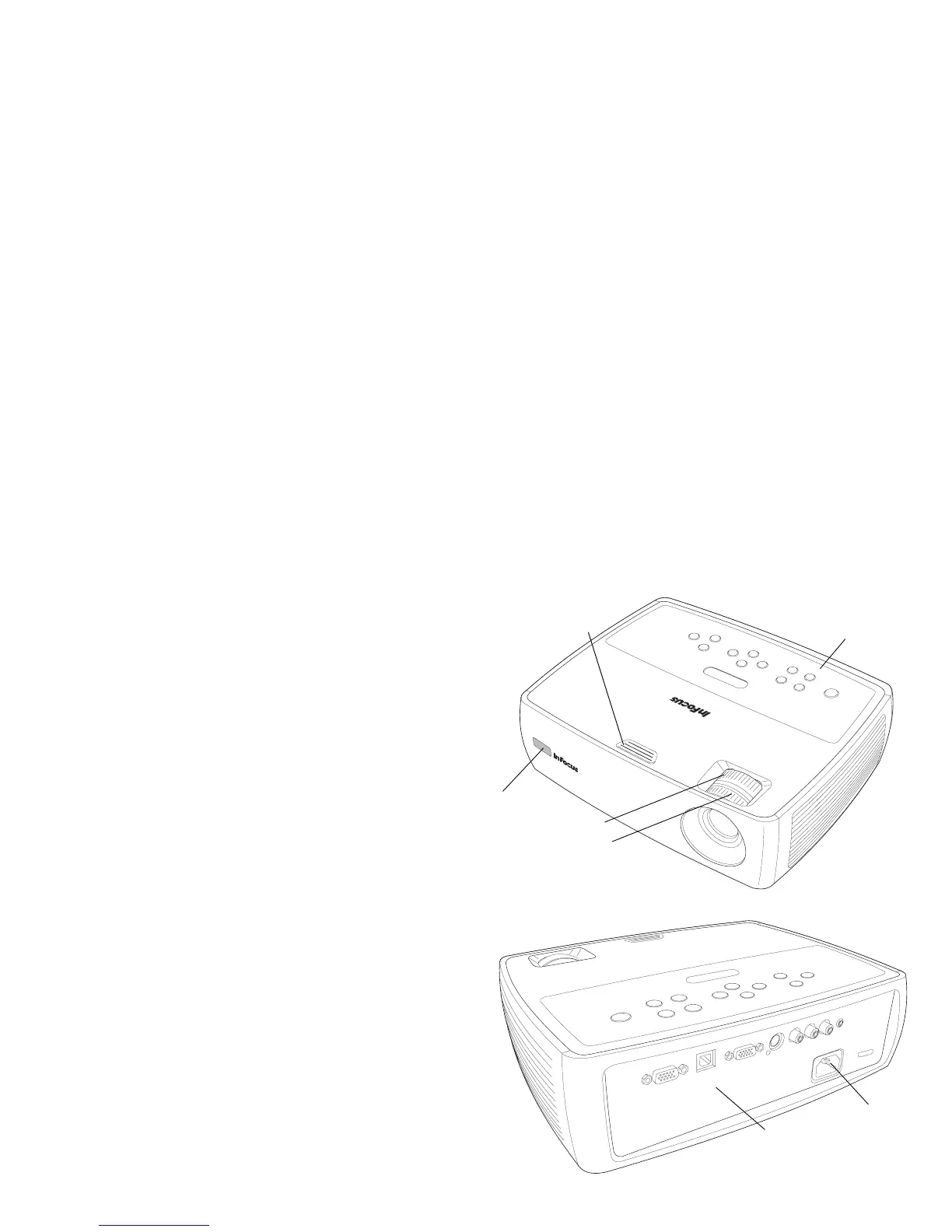
keypad
elevator foot release
focus (front ring)
remote control
receiver (IR)
zoom (rear ring)
panel
connector
power cord
connector



 To Next Page