6
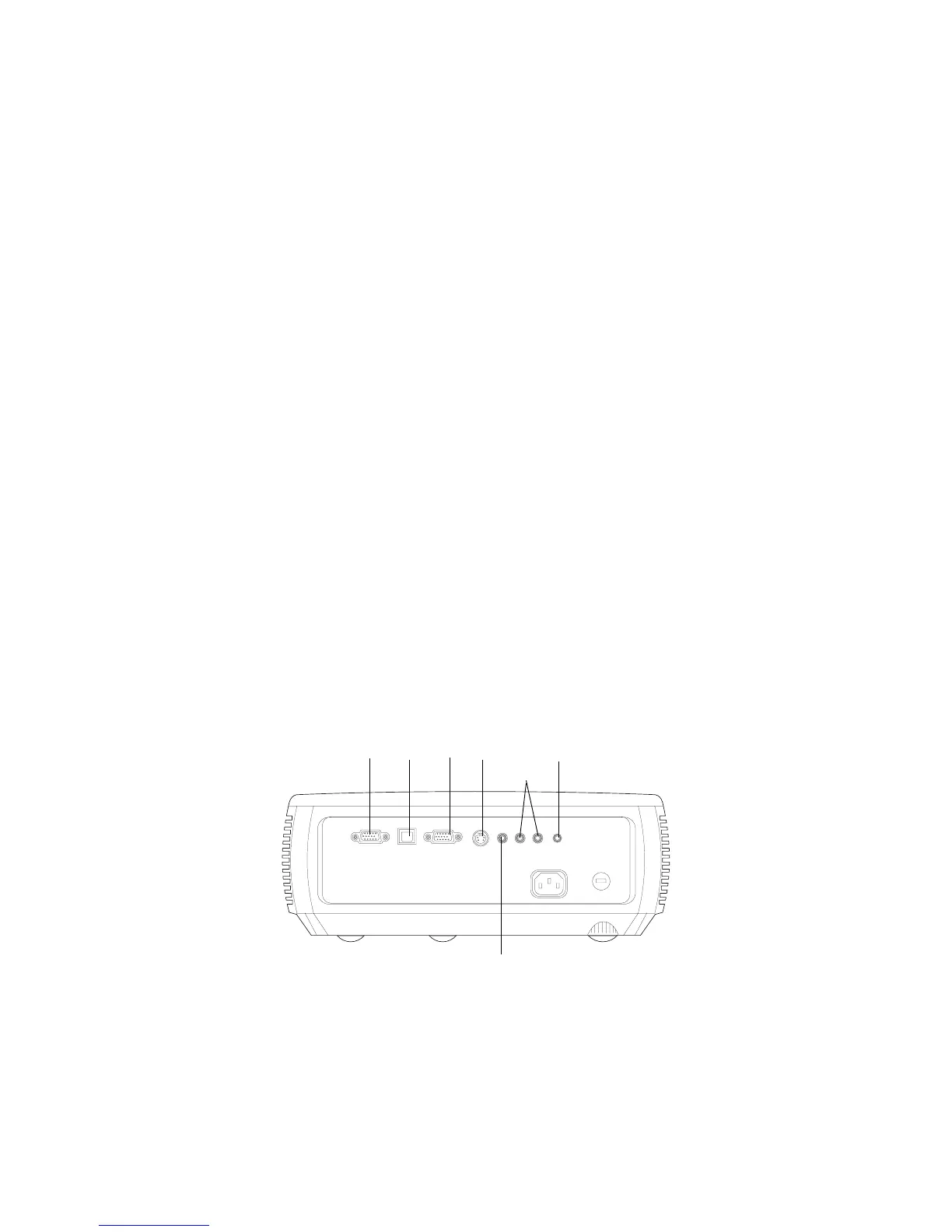
Projector and device connector guide
The following illustration and table should help you find the connectors to
use and obtain the best resolution possible from your input devices, such as
computers, standard VCRs, DVD players (progressive and interlaced),
HDTV sources (1080i and 720p HDTV formats), TV and satellite tuners,
camcorders, video games (progressive and interlaced), and laser disc play
-
ers.
computer
monitor
S-video
audio
out
out
USB
composite video
audio in



 To Next Page