21
Using the keypad buttons
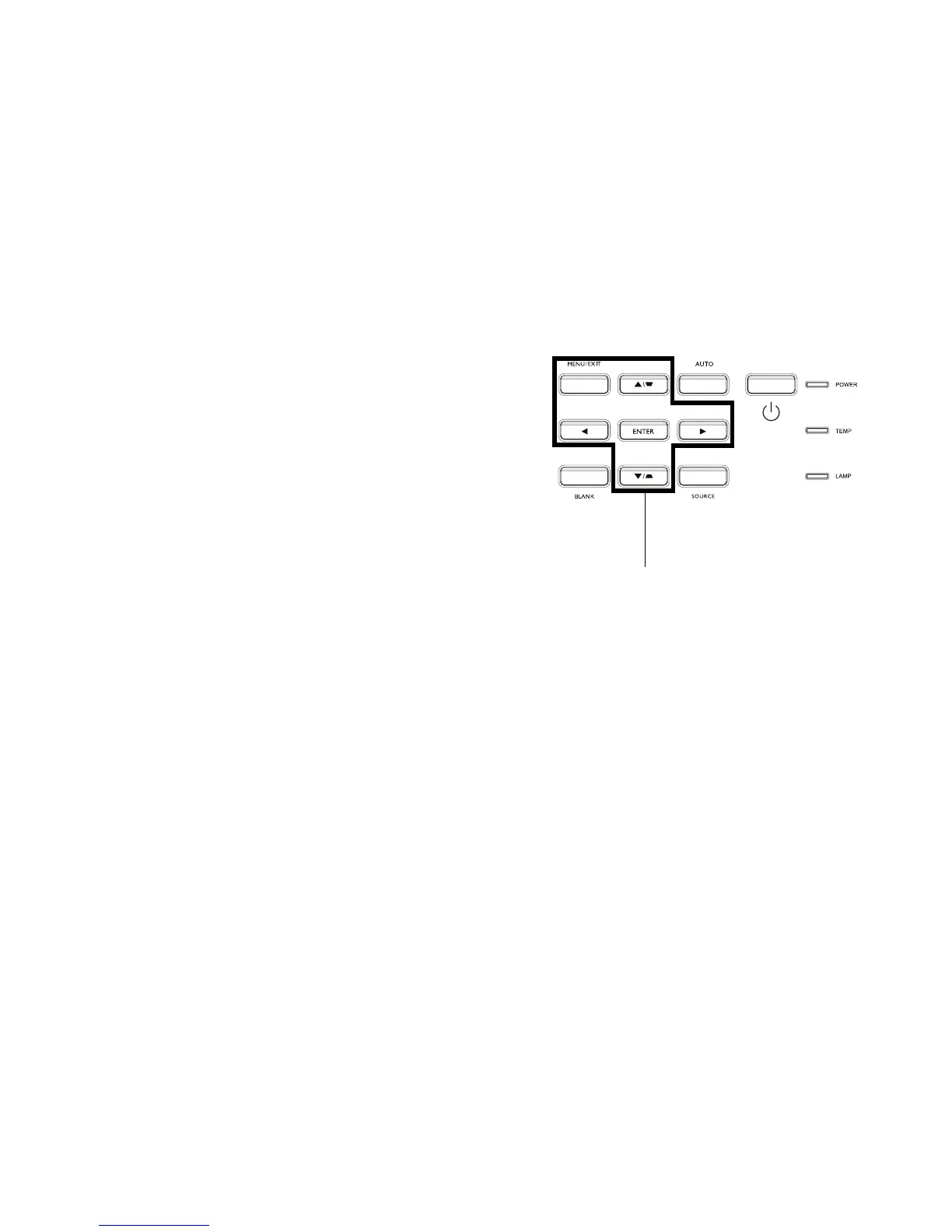
Most buttons are described in detail in other sections, but here is an overview of
their functions:
Power–turns the projector on and off (page 8).
Auto–resynchronize the projector to the source.
Menu–opens the onscreen menus (page 24).
Enter–selects items in the OSD menu and is used for USB storage device
operation (
page 38).
Up/Down/Left/Right arrows–When the menu is displayed, the up and down
buttons navigate through the menu.
Keystone–adjusts the squareness of the image (page 9).
Source–brings up a menu of all possible sources allowing the user to switch the
active source (page 8).
Blank–blanks the screen.
menu navigation
buttons



 To Next Page