34
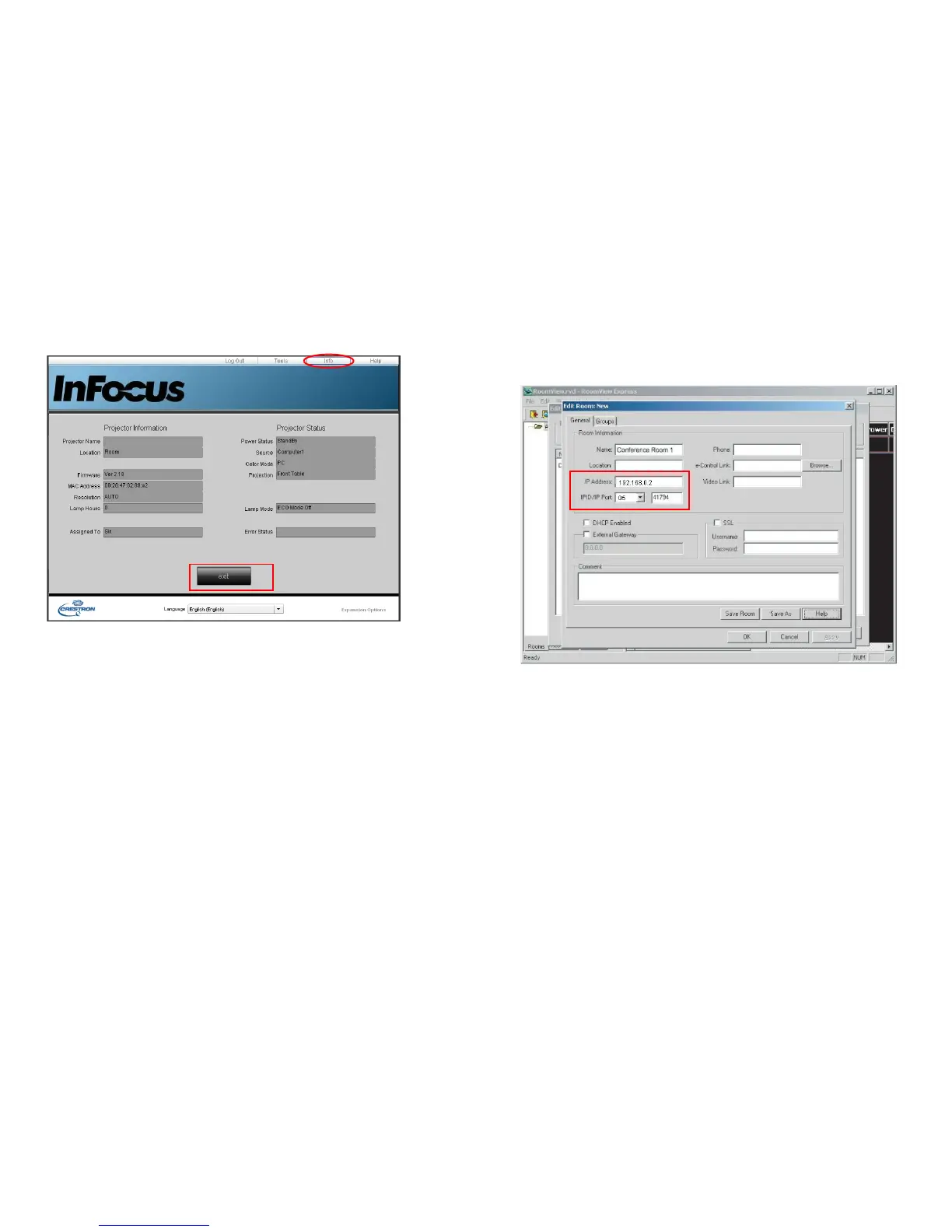
3 The Info page displays the information and status of this projector.
Press exit to go back to the Crestron remote network operation page.
4 After pressing the Help button, the Title window will display in the upper right
corner of the screen. You will be able to send messages to RoomView™
software administrators/users who are connected to the same local area
network.
• For more information, visit http://www.crestron.com and
www.crestron.com/getroomview.
Crestron RoomView
From the Crestron RoomView software in the Edit Room page, enter the IP Address (or
hostname) as shown on the projector’s on-screen display (OSD) menu, “05” for IPID, and
“41794” for the reserved Crestron control port.
For the Crestron RoomView user guide and information about RoomView settings and
commands, go to: http://www.crestron.com/products/
roomview_connected_embedded_projectors_devices/resources.asp



 To Next Page