37
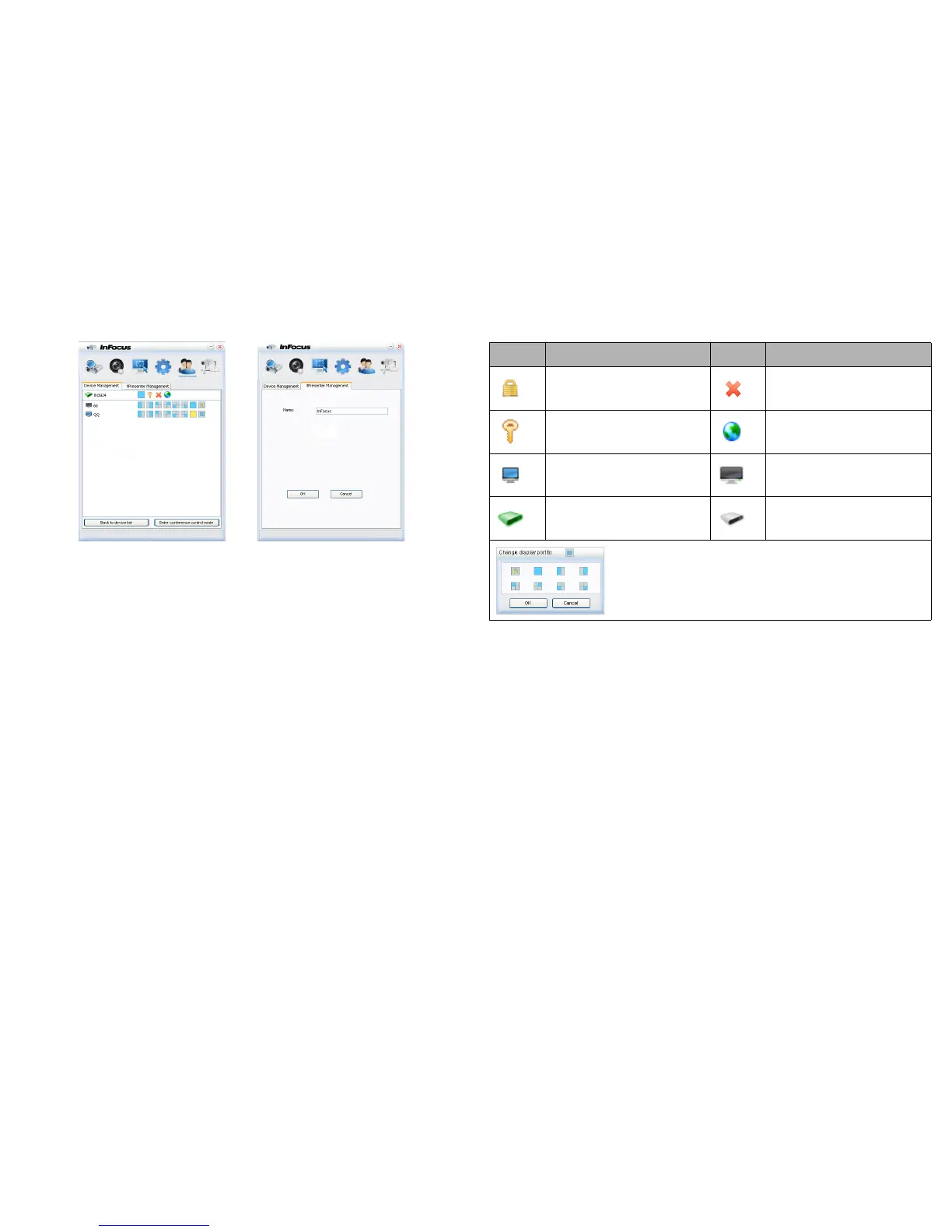
6 You can manage the connected projectors listed under Device Management.
• Under a conference mode:
1 Only the administrator can take control.
2 A projector can display up to 4 computer screens.
• You can set the name of your computer under ifPresenter Management.
• For details about the icons, please see the following:
7 Disconnect
To disconnect from the projector(s), click the Disconnect icon.
• Be sure to turn off other virtual network control programs before using
ifPresenter.
Icon Description Icon Description
You are a standard user and can-
not change the password.
Disconnects from the projector.
You are an administrator and can
change the password.
Opens the web page of the Net-
work Control.
You are in control of the projec-
tor.
Someone else is controlling the
projector.
You are an administrator. You are a standard user.
Sets a display zone for the projector.



 To Next Page