39
• Slide Right/Slide Up/Right down/Random: Sets the way the slide show is
displayed.
• Repeat On/Off: Sets whether to repeat the slide shows.
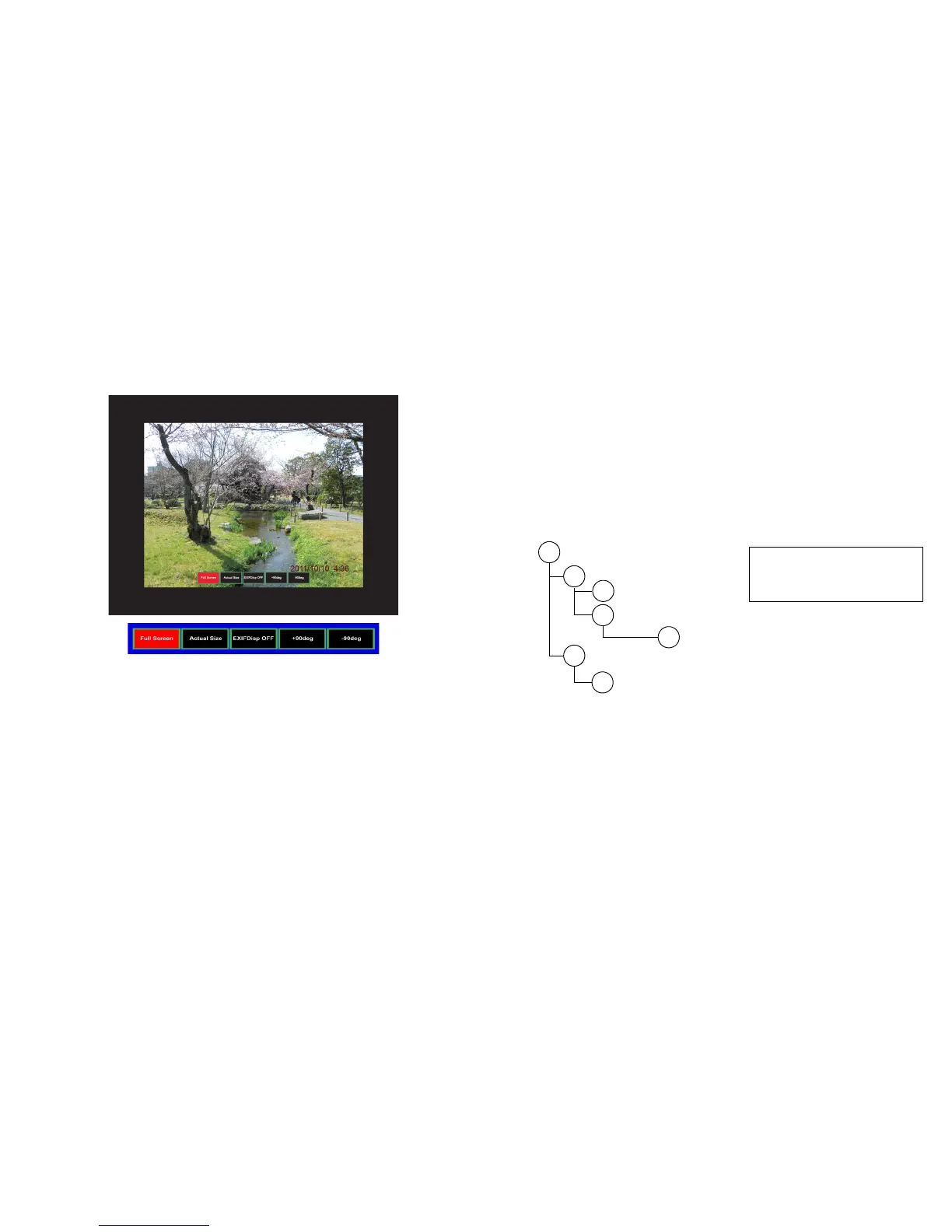
When viewing full screen images
• Thumbnail/Full Screen/SlideShow: Displays the selected image(s) in
Thumbnail, Full Screen or SlideShow mode.
• Best Fit/Actual Size: Sets the display size of the image.
• EXIFDisp OFF/EXIFDisp ON: When On, displays the EXIF image
information.
• + 90deg: Rotates the image 90 degrees clockwise.
• - 90deg: Rotates the image 90 degrees counterclockwise.
• USB 2.0 compliant USB storage media (Mass Storage Class) is supported.
• We strongly recommend using an AC power adaptor with any USB hard
drives.
• The following formats are recommended for any USB hard drives. FAT12/
FAT16/FAT32 (NTFS format is not supported).
• Some USB flash drives may not work correctly with the projector.
• A security-enabled USB flash drive is not supported.
• Do not connect any apparatus other than USB storage devices. Do not
charge other equipment through the USB connector. It may cause a
malfunction.
• The projector plays up to 200 files in a folder.
• The filenames are displayed in the following order: symbols, digits, letters.
• The projector can display the filenames up to 16 characters including the file
extension.
• The application displays English filenames the best. If the files are named in
other languages, the filenames may not show properly, however the content
will still display properly.
• Folders in the USB storage device can be recognized up to 3 layers. The
priority of thumbnail display for image files is as follows:
A
B
C
D
E
F
G
: Currect directory: A
: Folder B
: Folder D
: Folder E
: Folder G
: Folder C
: Folder F
File display priority in folder: A > B
> C > D > E > F.
Folder G: Cannot be displayed
because it is in the 4th layer.
• Response times may vary depending on the image contents when switching
pages, loading
and playing files.



 To Next Page