20
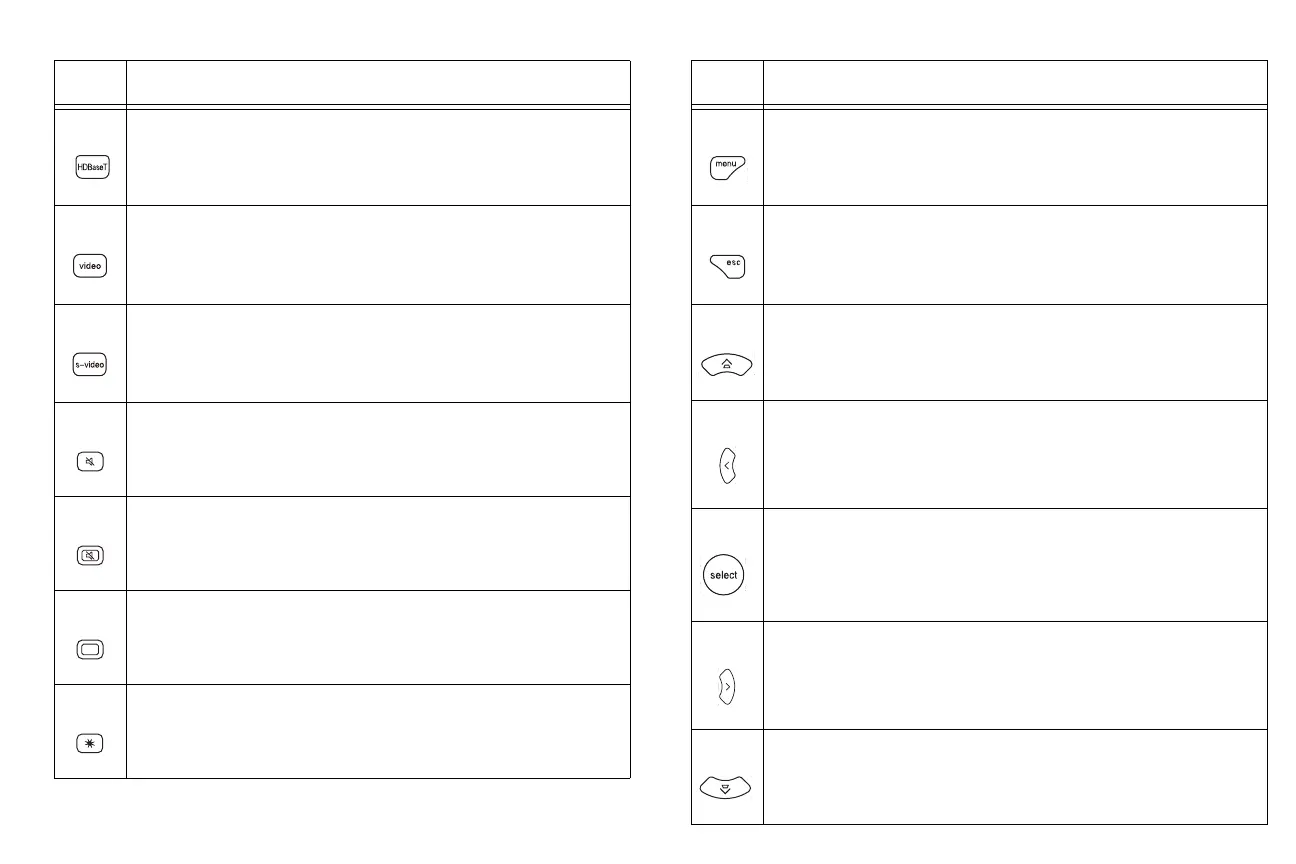
HDBaseT: displays HDBaseT source
Video: displays composite video source
S-video: displays s-video source.
Mute: silences the audio.
AV mute: blanks the projected image and silences the audio.
Blank: blanks the screen.
Freeze: pauses the projected image.
Table 2:
Icon Feature
Menu: opens the projector’s menu system.
Esc: closes the projector’s menu system.
Up arrow/Keystone: moves up through the projector’s menu
options or through the LightCast features. If the menu is not
open, adjusts the squareness of the image.
Left arrow: navigates to the left in the projector menu or in
LightCast.
Select: selects features and adjusts values within the projector
menu and LightCast
Right arrow: navigates to the right in the projector menu or in
LightCast.
Down arrow/Keystone: moves down through the projector’s
menu options or through the LightCast features. If the menu is
not open, adjusts the squareness of the image.
Table 2:
Icon Feature



 To Next Page