21
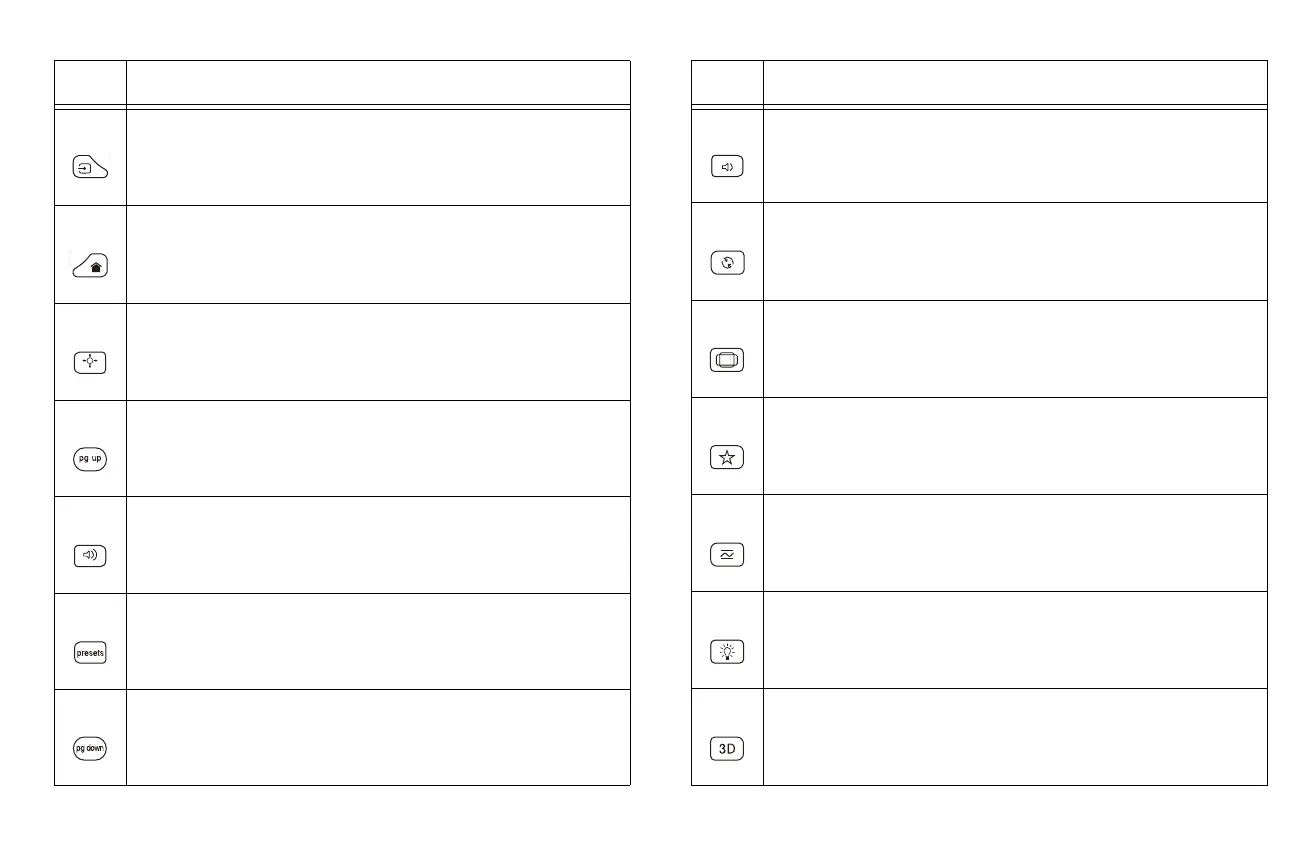
Source: brings up a menu of all possible sources allowing the user
to switch the active source.
Lightcast home: returns LightCast to Home screen.
Lens shift: activates the lens shift feature. Use the arrows to move
the lens horizontally and vertically.
Page up: controls slide show by USB or in LightCast.
Volume up: increases the audio volume.
Presets: toggles between saved settings.
Page down: controls slide show by USB or in LightCast.
Table 2:
Icon Feature
Volume down: decreases the audio volume.
Auto image: resynchronizes the projector to the source.
Resize: toggles between different image aspect ratios.
Custom: can be assigned to a special function, like Blank Screen or
Freeze.
Overscan: removes noise from the video image.
Lamp power: toggles between high and low lamp power.
3D: toggles between standard 3D control modes.
Table 2:
Icon Feature



 To Next Page