33
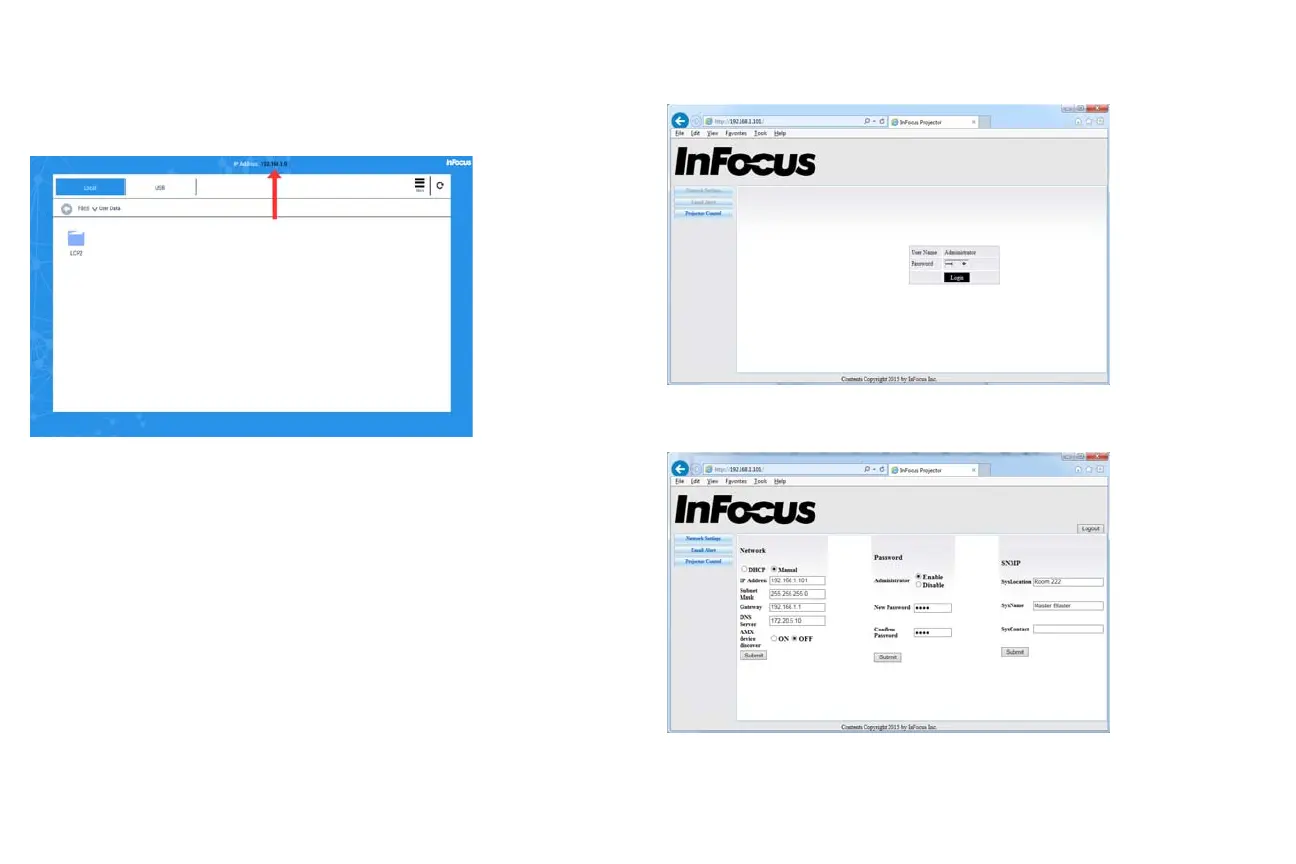
To configure the network with no LightCast Key attached:
1 Select the LightCast source from the Source menu.
2 If connected, a valid wired network IP displays across the top of the menu in
the center.
Use the online menus in your browser.
Enter the IP address of the projector in Internet Explorer, and enter the default
Administrator password 0000 in the top menu.
Click Network Settings to access the network configuration panel.



 To Next Page