20
Setting up the Projector
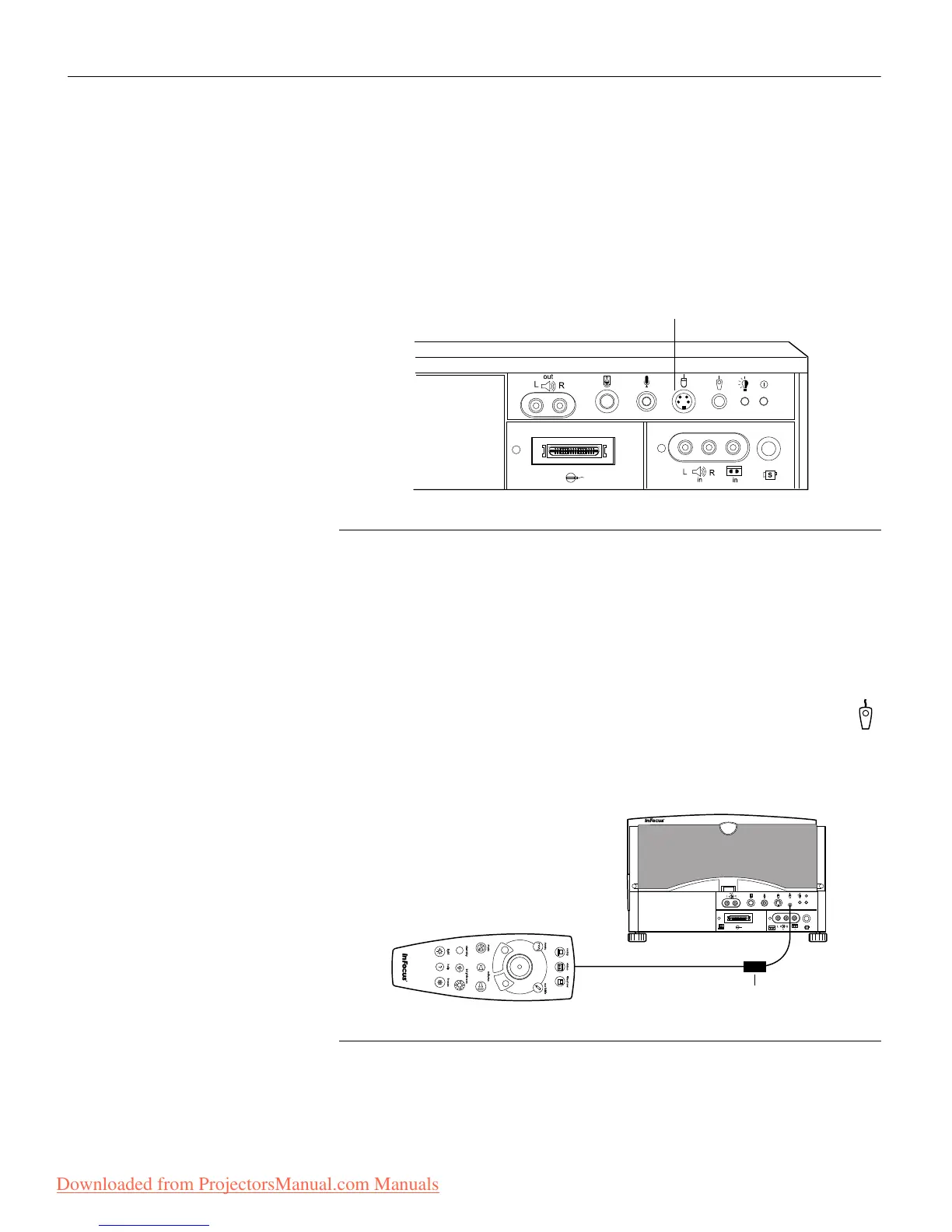
Connecting a PS/2-Compatible Mouse
The mouse connector on the projector will be used to connect a
PS/2-compatible mouse. Call your In Focus dealer for
availability.
FIGURE 20
The PS/2-compatible mouse connector on the projector
Connecting the Remote Control Cable
If the projector cannot receive the remote’s signal, as may be the
case if you’re using rear projection, connect the remote directly to
the projector with the remote cable.
1 Plug the end of the remote cable with the cylinder into the
connector on the projector.
2 Plug the other end into the connector on the remote.
FIGURE 21
Connecting the remote control cable
PS/2-compatible
mouse connector
cylinder
Downloaded from ProjectorsManual.com Manuals



 To Next Page
 Loading...



