29
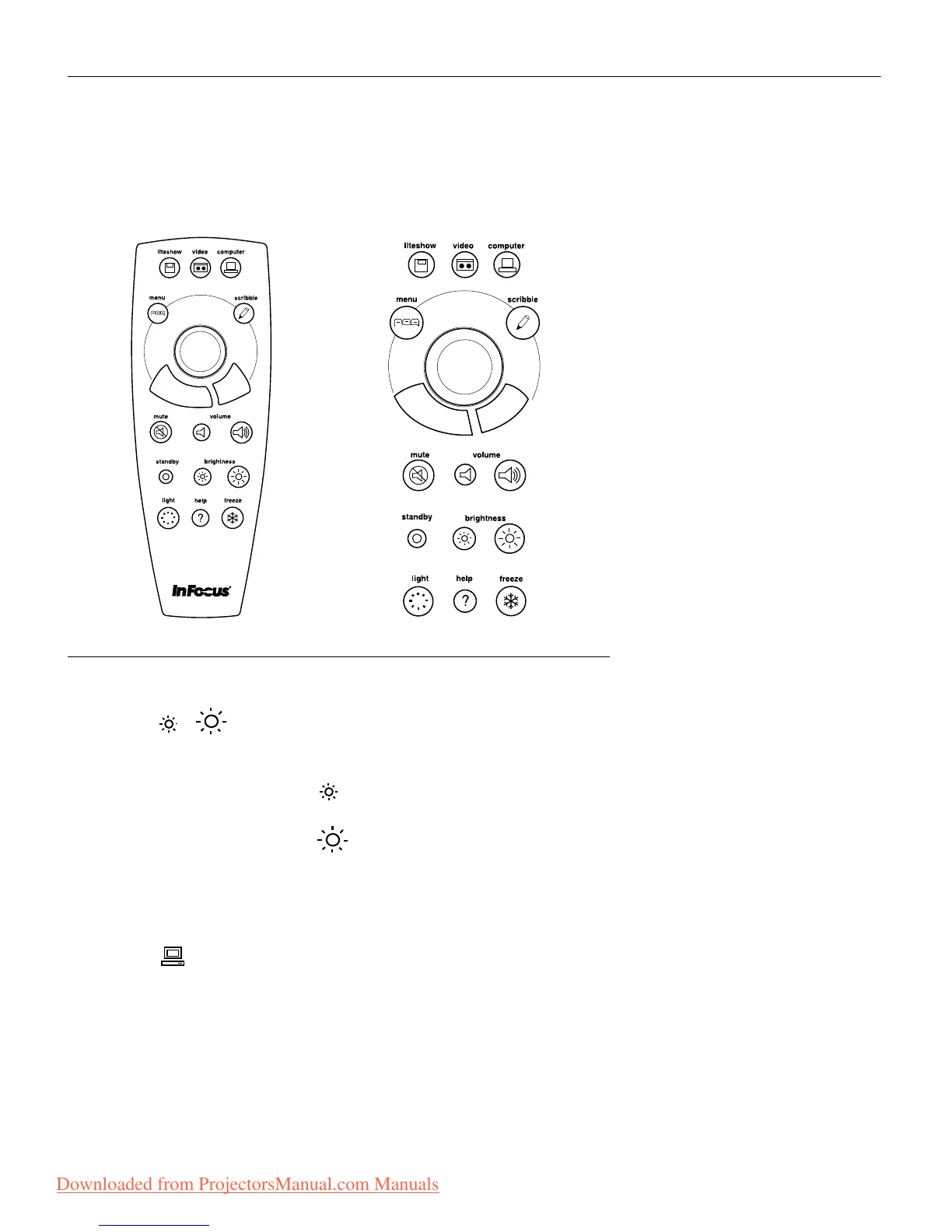
Using the Remote and Keypad Buttons
This section provides an alphabetical reference to the remote and
keypad buttons.
FIGURE 27
Remote control and keypad
Brightness
Adjusting the brightness lightens or darkens the image.
• To darken the image, press
• To lighten the image, press
The brightness buttons are auto-repeating; they repeat their func-
tion as long as you hold down the button.
Computer
When you have more than one source (computer or video) con-
nected to the projector, you select between them by pressing the
button for the source you want.
Press computer to display the computer image.
Downloaded from ProjectorsManual.com Manuals







 To Next Page