28
Using the Projector
Changing between Color and Monochrome Modes
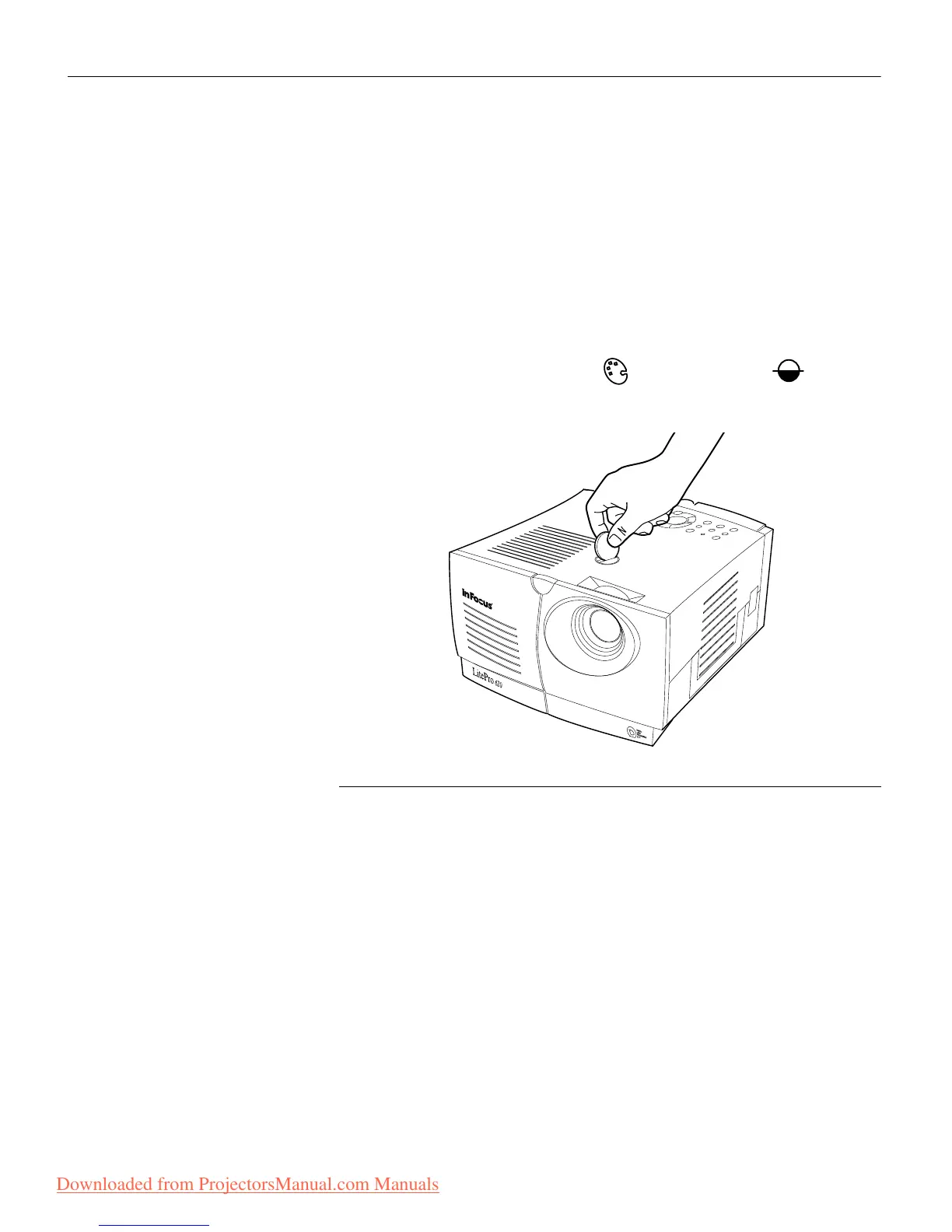
The color dial on the top of the projector (Figure 26) allows you to
select either color or monochrome modes. A monochrome image
is significantly brighter than a color image.
To change color mode:
1 Insert a coin or other flat object into dial on the top of the pro-
jector.
2 Turn the dial to either color or monochrome .
FIGURE 26
Changing color modes
Downloaded from ProjectorsManual.com Manuals







 To Next Page