17
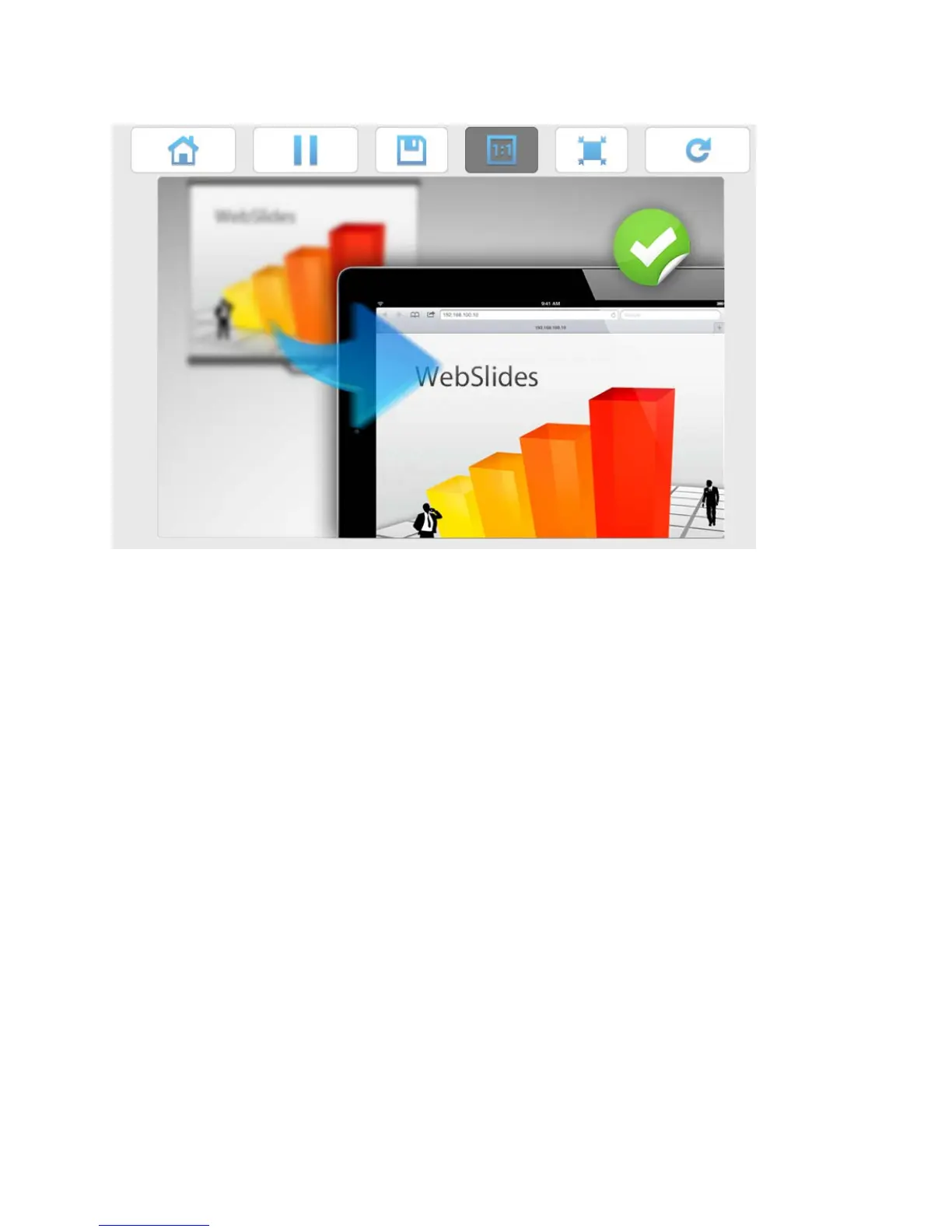
3) The presenter’s slides display.
4) Use the toolbar to pause, save, change the aspect ratio, expand, and refresh the presentation
window.
• WebSlides users and users logged into LiteShow4 both consume wireless bandwidth. If more
thatn 10 users are logged into LiteShow4, we recommend connecting LiteShow4 to the company
network using Ethernet or a router to ensure best performance.
• We also recommend that Webslides users do not exceed the recommended number specified on
the Web Management page.
• Wireless Projection function and Conference Control function can support up to 64 users.



 To Next Page