32
Bridges the audio to your display device, and mutes the local speaker. Audio is restored when the
application closes.
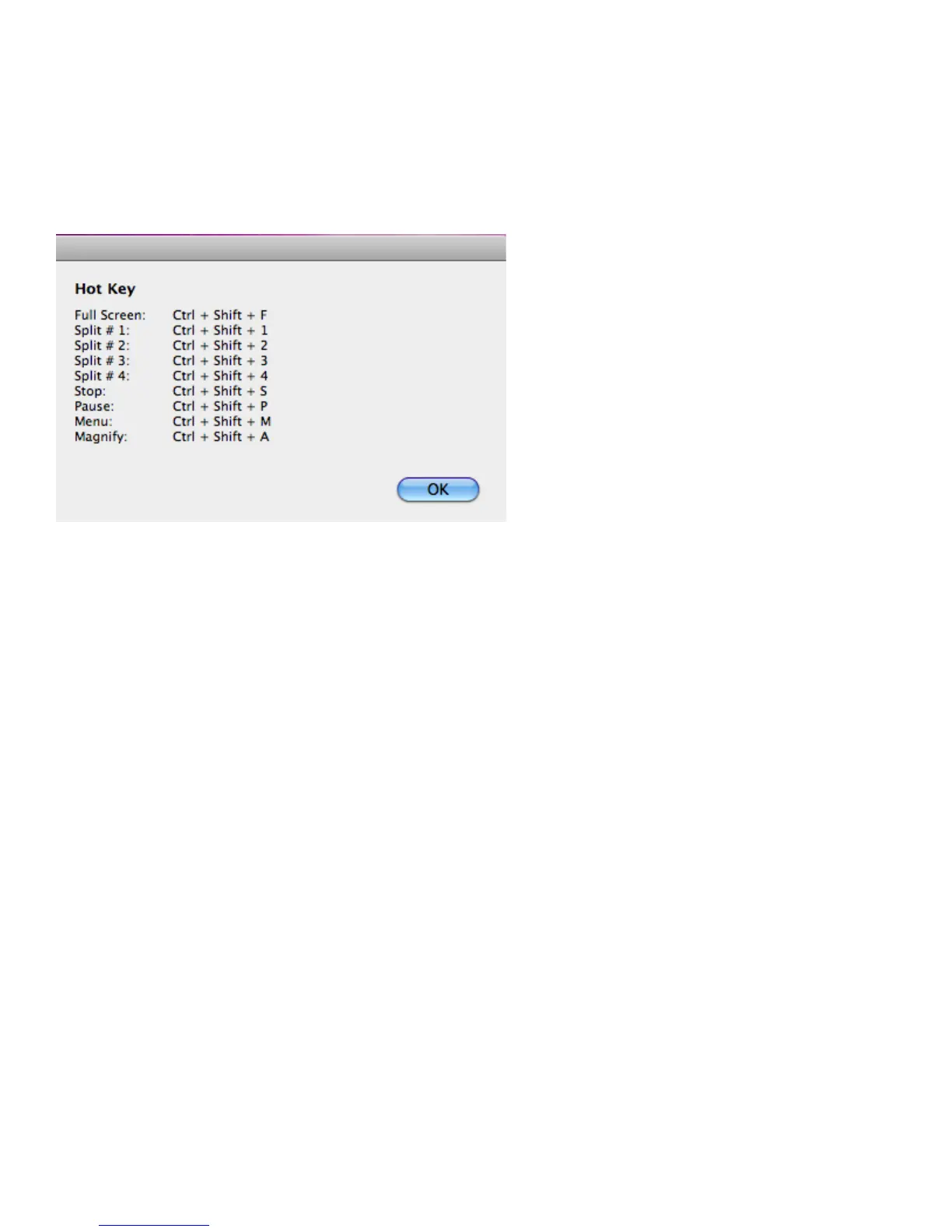
Displays a list of available Hot Keys.
Displays system information, including the client version, IP address and login code.
Closes and exits the LiteShow application. Projection stops immediately.



 To Next Page