28
1) Download the software application:
For iOS: Download
from the Apple Store.
For Android: Download
from the Google Play Store.
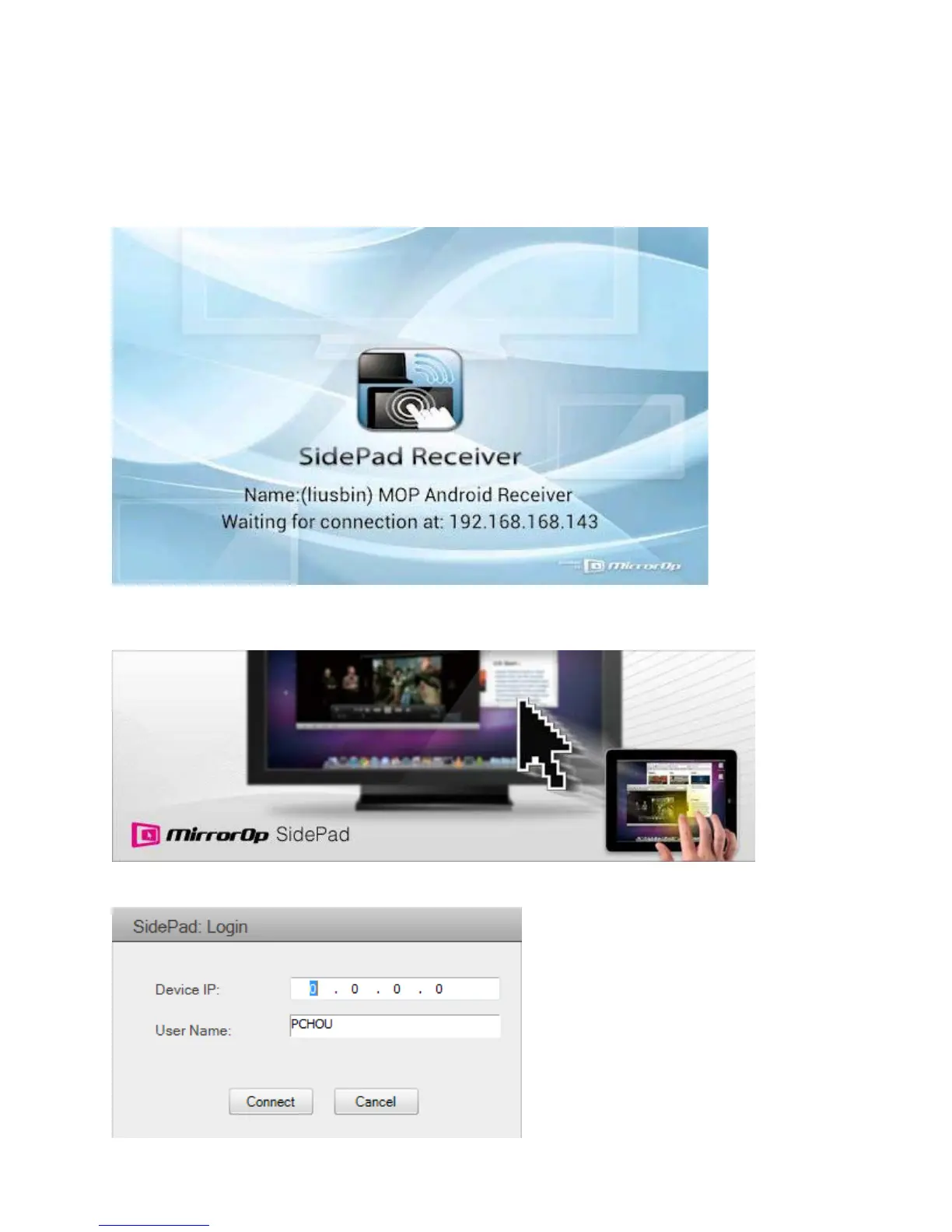
2) Connect your iOS/Android device to the LiteShow 4 device through WiFi and launch
.
3) Click
from the menu. In a few seconds, the PC desktop will display on the
iOS/Android device. You can now control the PC from your iOS/Android device.
4) If your device is not detected, the
window displays:



 To Next Page