[ 21 ]
EasyGluco
TM
Maintaining the EasyGluco
TM
Meter
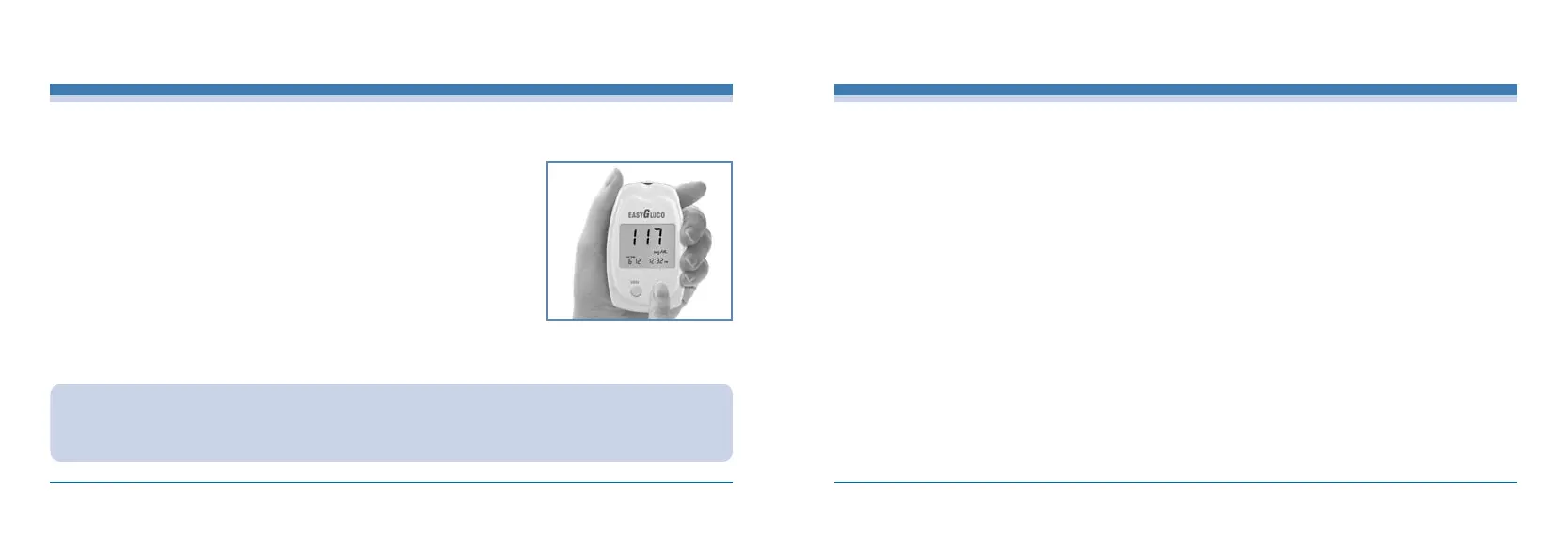
To delete test results individually, press the SET button for 5 seconds until you
hear 3 beep sounds and the LCD display shows the test result and time you want
to delete.
To delete all test results in memory, press the SET button until you hear a beep
sound and at the same time press the MEM button. Please be careful, once the
results is deleted it cannot be restored.
CAUTION :
If you do not set the Meter properly, the average glucose level for the days you set and the results in memory will not
show proper value but indicate an error message. Improper settings will cause an “Er3”message to appear on the
LCD window. Refer to “Setting the Meter.”
In displaying past results mode, press the SET button to review the saved results starting from the newest with the test date and time.
INFOPIA [ 22 ]
Reviewing Your Results
For safe, accurate and long-lasting use of the EasyGluco
TM
Meter, the meter must be maintained with proper care:
1. The lancing device should be cleaned if blood or stain remains after testing to prevent infectious diseases.
2. The meter should be cared for after testing and cleaned if necessary with a soft cloth or tissue. If necessary, rubbing alcohol can be
used to wipe away dirt on the outer surface of the meter. Do not use chemical solutions such as benzol or acetone since both of
these solutions can harm and damage the meter surface. When cleansing the meter with rubbing alcohol, DO NOT pour directly onto
the meter, but use the cloth soaked with a small amount of alcohol. After cleansing the meter, dry completely at a cool place avoiding
the sun rays.
3. After testing, place the EasyGluco
TM
Meter in the leather carrying case to prevent loss or damage. Make sure it is placed in a cool and
dry area and out of the reach of children. Do not refrigerate. Avoid exposure to the sun.
4. For detailed instructions of the EasyGluco
TM
Test Strip, refer to the test strip package insert found in the EasyGluco
TM
Test Strip box.
5. When you need to purchase the lancing device, the lancets and the test strips, visit your local pharmacy or contact your local
representative.
6. Do not soak the meter and test strips into water or liquid.
7. Do not subjet the meter and the strips to exesive heat.
8. Use your EasyGluco
TM
Meter according to the instuctions in the manual.



 To Next Page