36
www.infopia21.com
Battery is dead or
there is a problem
with the blood
glucose test meter
No readings in
memory to display
Not enough
readings in
memory to display
designated
averages
Poor blood sample
Test does not start
after applying blood
sample
The blood glucose
test meter does not
power on
The result is
inconsistent
Change the battery and if the
problem persists, please contact
your local representative.
Please insert a new blood glucose
test strip and perform your test
again(refer to the P.23)
There may be a problem
with the blood glucose
test strip
Please insert a new blood glucose
test strip and perform your test
again
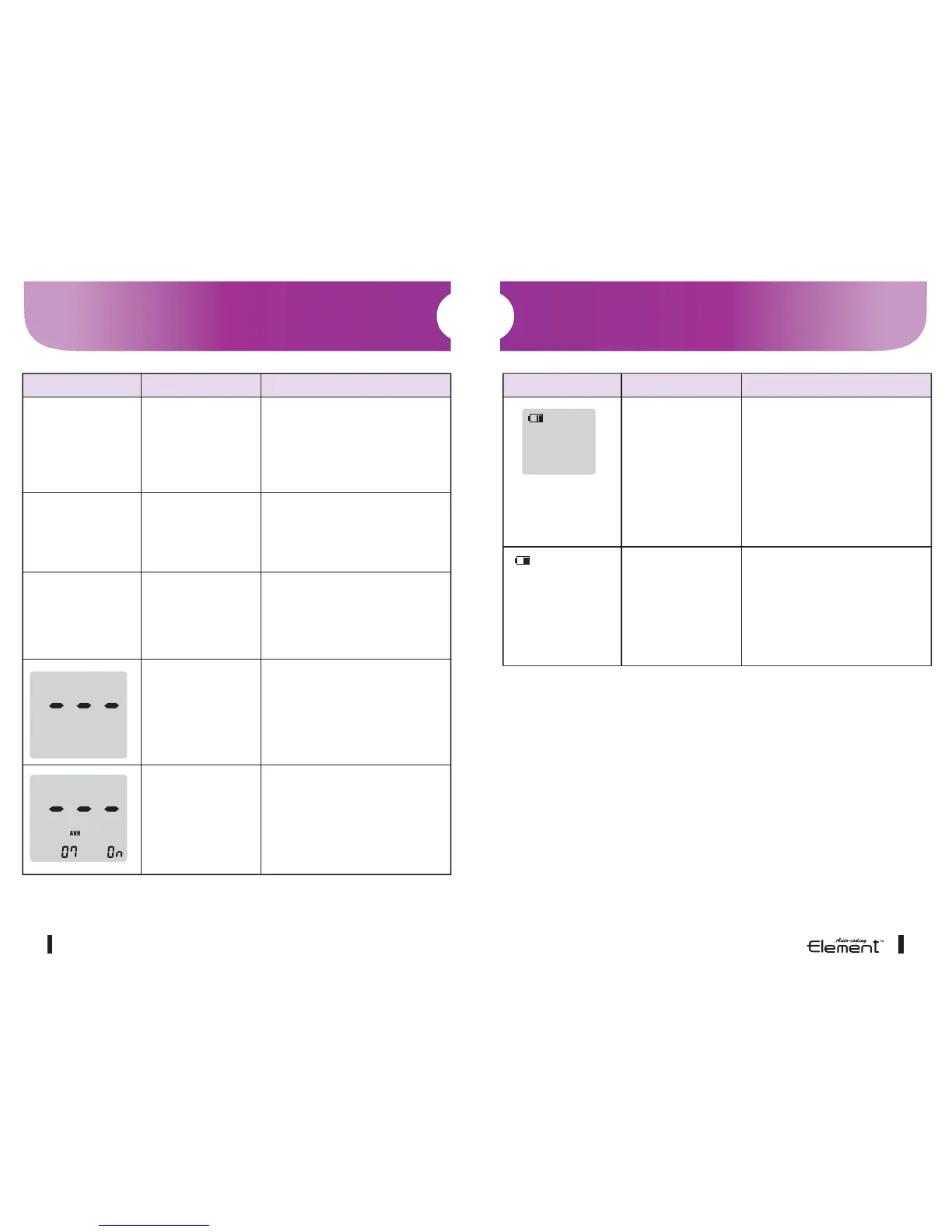
Troubleshooting
Message Problem Action Required
Message Problem Action Required
Battery needs replacing.
For your free replacement
batteries, please contact
Neon Diagnostics Ltd.
Freephone Patient Helpline:
0800 009 3378
Low battery
Low battery symbol
appears in the
upper left corner of
the LCD screen
Battery needs replacing.
For your free replacement
batteries, please contact
Neon Diagnostics Ltd.
Freephone Patient Helpline:
0800 009 3378
Low battery
Low battery
warning symbol
and 3 digit code



 To Next Page