14
www.infopia21.com
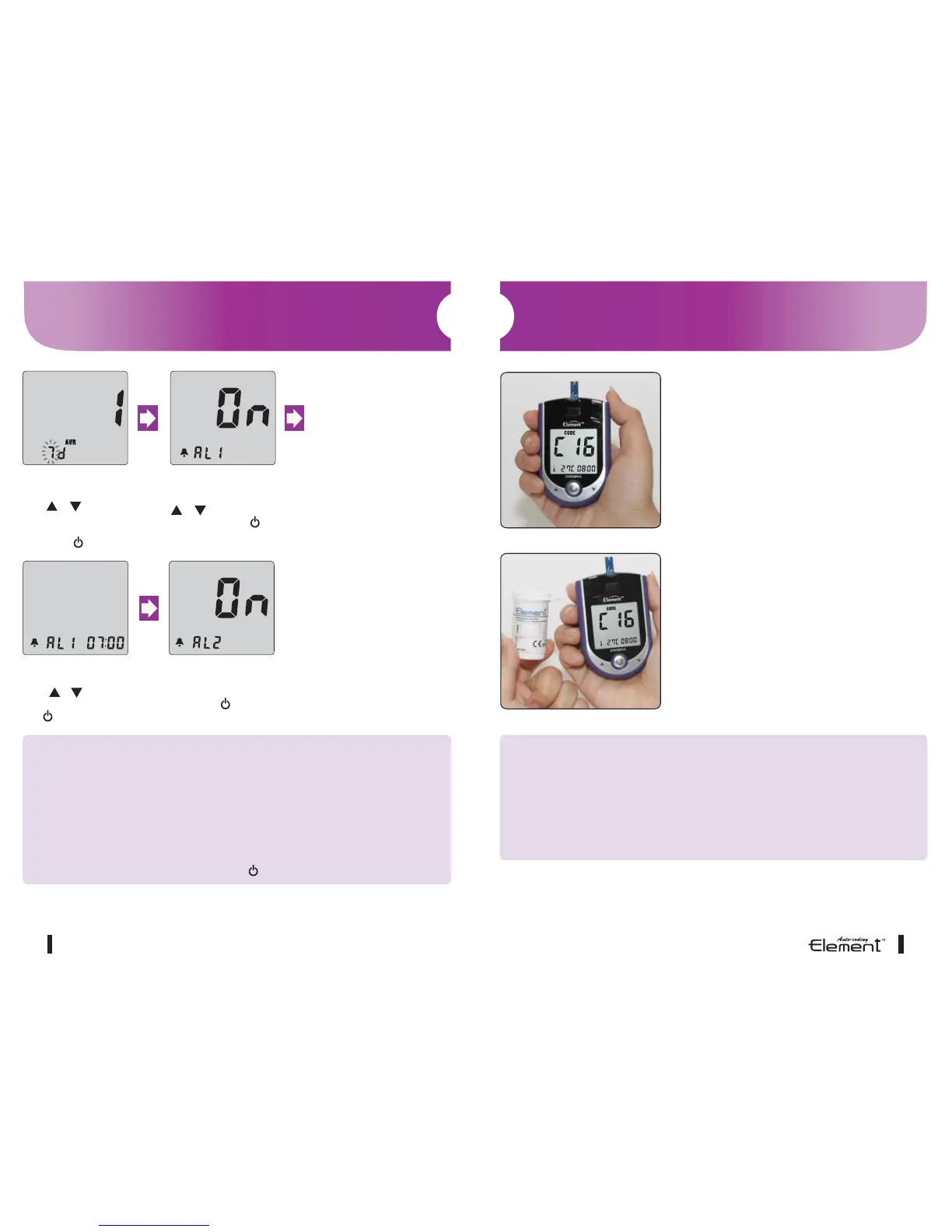
Number of days for average
After pressing and releasing
either or buttons to set the
number of days for average
calculation (3 different possible),
confirm with .
Alarm on/off
After pressing and releasing either
or buttons to turn the alarm
on/off, confirm with .
Alarm time
After pressing and releasing
either or buttons to set the
alarm hour and minute, confirm
with .
Alarm
After programming the number of
desired alarms (5 alarms possible),
confirm with .
CAUTION
1. **VERY IMPORTANT: Correct test unit.
Your Element
TM
Auto-coding blood glucose test meter is pre-set to mmol/L as test
unit.
See also conversion table on page 39.
2. Without setting the date properly, the average glucose level and the results in
memory will not show proper values. It is recommended to set the meter before
use and when new batteries are installed.
3. Yon can’t test your blood glucose while in the setting mode.
4. To turn the meter off during setup, press for at least 3 seconds
Setting Your Blood Glucose Test Meter
15
CAUTION
1. Do not bend the blood glucose test strip to prevent the Automatic code
recognition failure.
2. If the code recognition label is damaged, the code recognition may fail.
Please check the code number on the LCD display window with the
code number on the blood glucose test strip vial.
1. Element
TM
Auto-coding has automatic
code recognition function.
2. It recognizes automatically the code
number. This is a very convenient
function preventing the inconvenience
of setting the code number on the
blood glucose test meter every time.
Auto-Coding Function
C16



 To Next Page