INFOSEC UPS SYSTEM – 4 rue de la Rigotière – 44700 Orvault – France – www.infosec-ups.com
Hot Line Tel : +33 (0)2 40 76 15 82 – fax : +33(0)2 40 94 29 51 – hotline@infosec.fr – 03 16 AA 59 203 26
3-6. LCD Setting
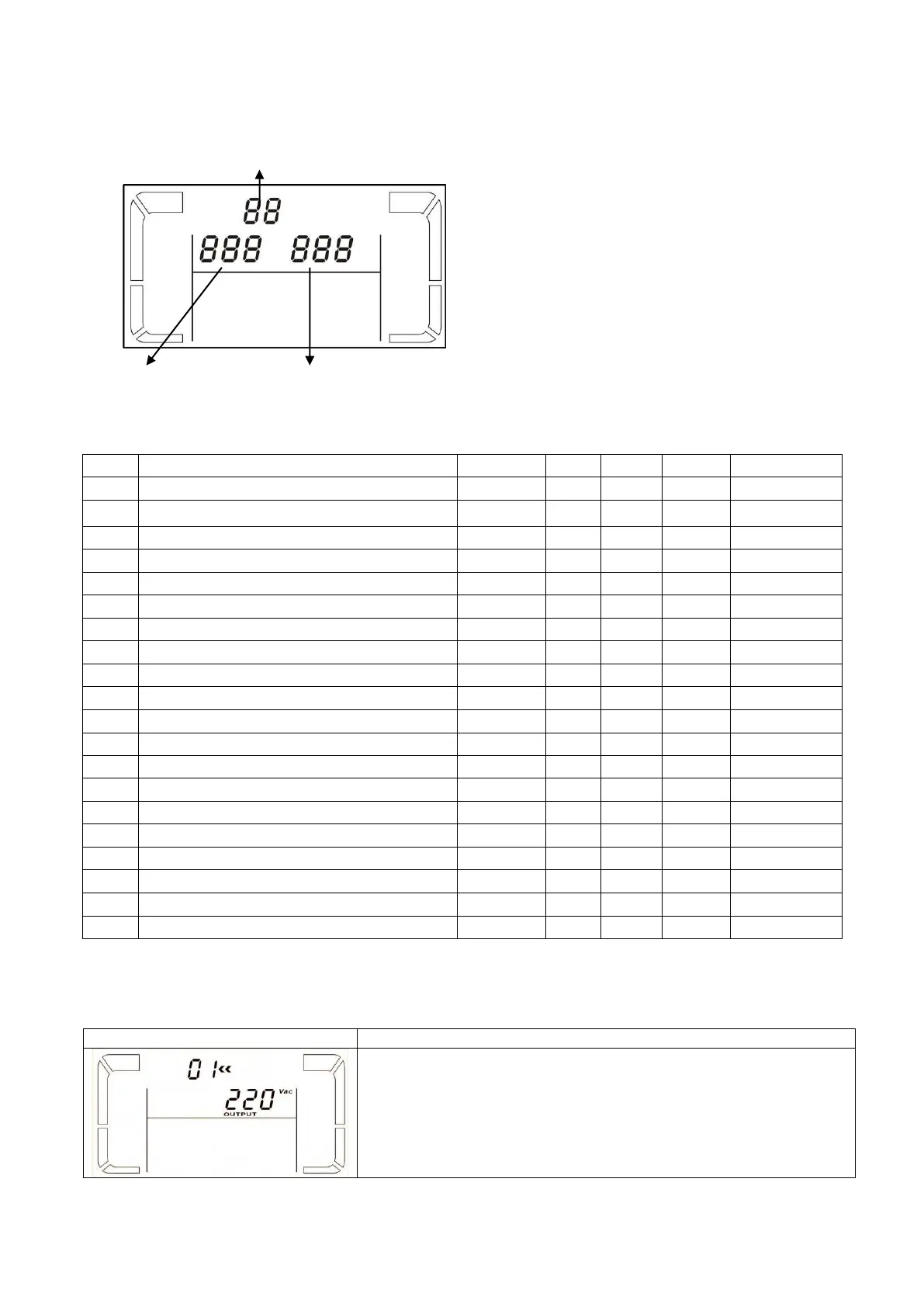
There are three parameters to set up the UPS. Refer to the following diagram.
Parameter 1 is for program alternatives. There
are 20 programs to set up. Refer to the table
below.
Parameter 2 and parameter 3 are the setting
options or values for each program.
NOTE: Select “Up3 or “Down” buttons to
change the programs or parameters.
List of 20 programs available for parameter 1:
Frequency range for bypass
Battery maximum discharge time setting
Battery voltage Calibration
Inverter voltage Calibration
Floating charger voltage adjustment
Constant charger voltage adjustment
Charger maximum current setting
Battery capacity and groups setting
*Y (YES) means that this program can be set in this mode.
01: Output voltage
Parameter 3: Output voltage
You may choose the following voltage in parameter 3:
208: output voltage is 208VAC
220: output voltage is 220VAC
230: output voltage is 230VAC
240: output voltage is 240VAC














 To Next Page