MANUAL PURCHASE is an operation where the merchant enters
the purchase details manually. This service requires an additional
agreement between the merchant and the bank, as well as some
additional settings.
Process steps:
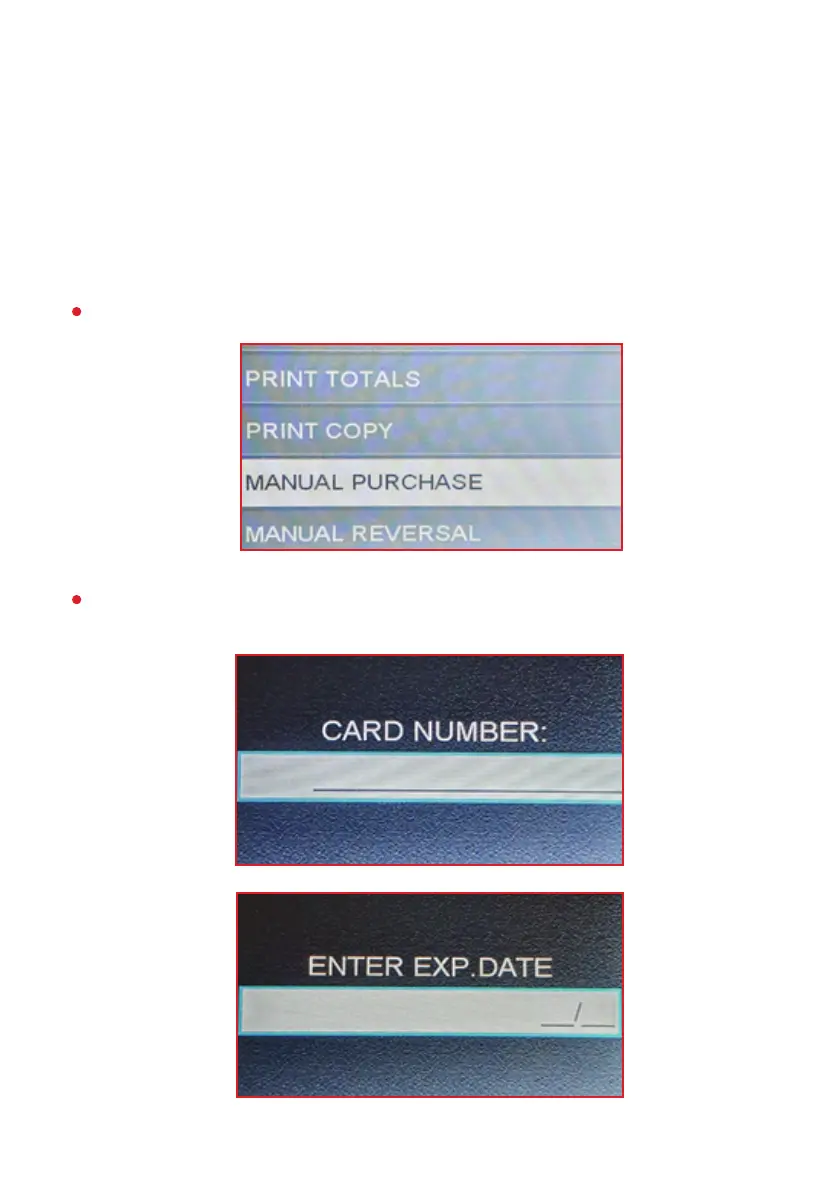
From the “FINANCIAL OPER.” menu, select “MANUAL PURCHASE”.
The following screens will prompt the user to enter the card details:
card number, expiration date, transaction amount and CVV code:
MANUAL PURCHASE
12


 To Next Page