If the transaction is not approved by the card issuer, the operation
will be terminated with the appropriate message.
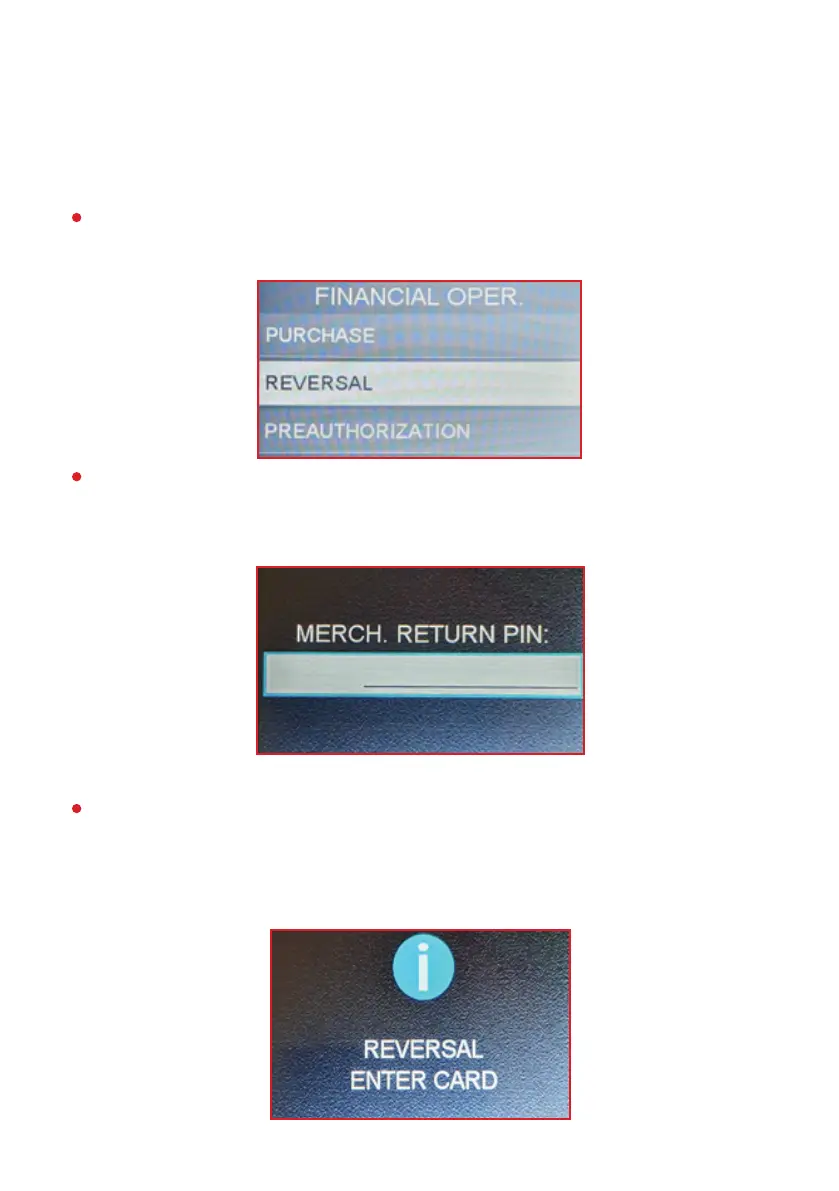
From the main menu, select the “FINANCIAL OPER.” menu and the
“Reversal” submenu.
The device displays the following message prompting the user to
enter a password.
The password for this operation type is 1111. Enter the password
and press the green button to conrm. The device displays the
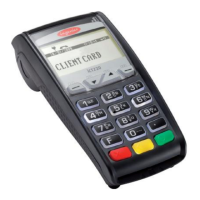
following message prompting the user to read the card.
REVERSAL
6


 To Next Page