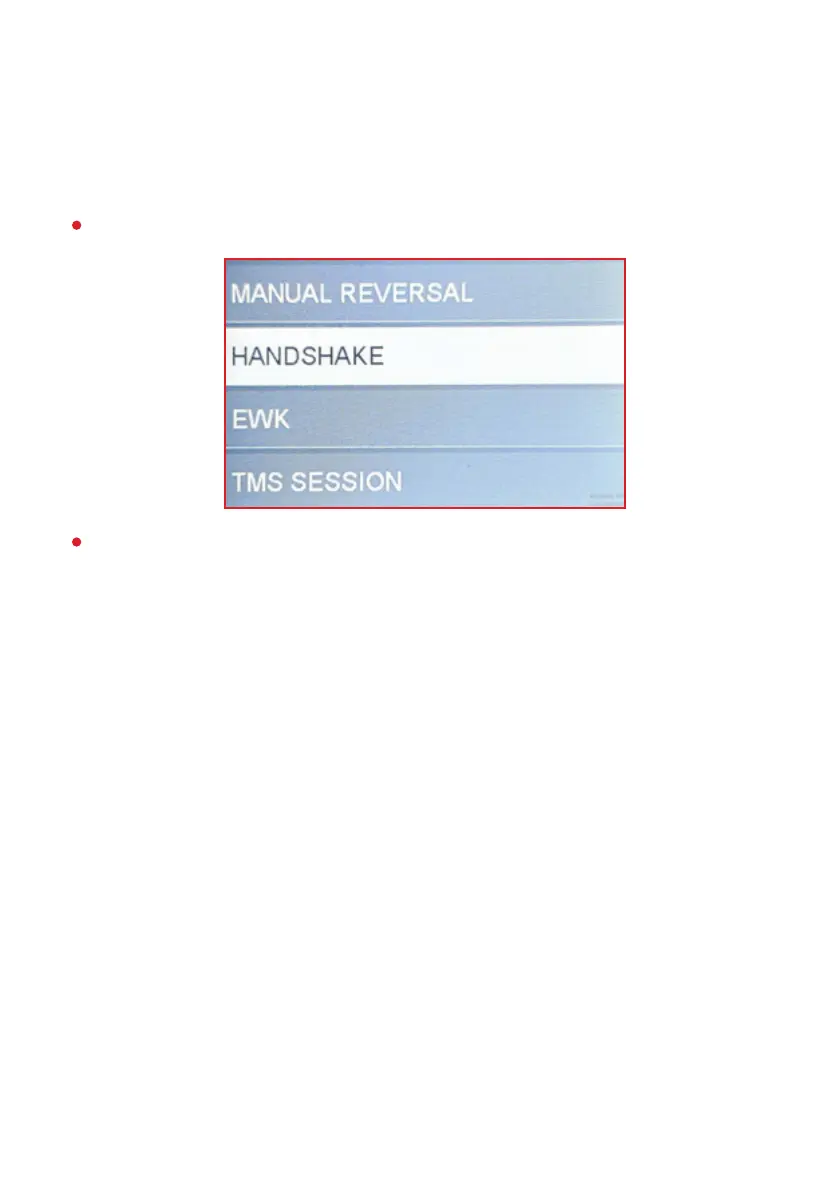
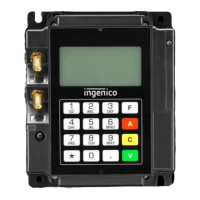
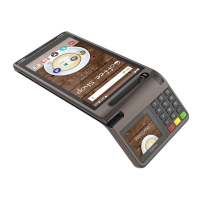
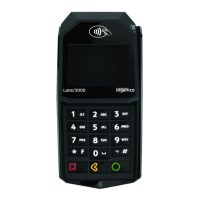
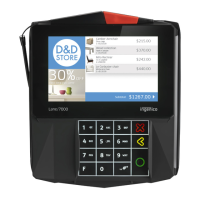
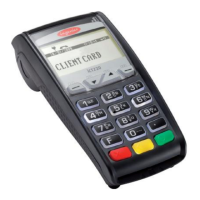
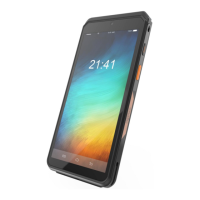
The HANDSHAKE operation is used to check the device connectivity.
Process steps:
From the “FINANCIAL OPER.” menu, select “HANDSHAKE”.
If the check is successful, the device will return to the same
screen. If there is a communication problem, the device will display
the appropriate message and the user must contact the bank for
assistance.
HANDSHAKE
17


 To Next Page