General device operations
PURCHASE
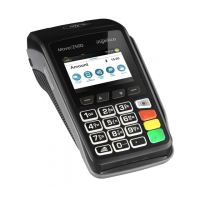
The PURCHASE operation can be initiated in two ways:
• By entering the purchase amount directly using the device keypad
when the device display is in ready state.
• By pressing the “Main Menu” button, selecting the “FINANCIAL
OPER.” menu and the “PURCHASE” submenu.
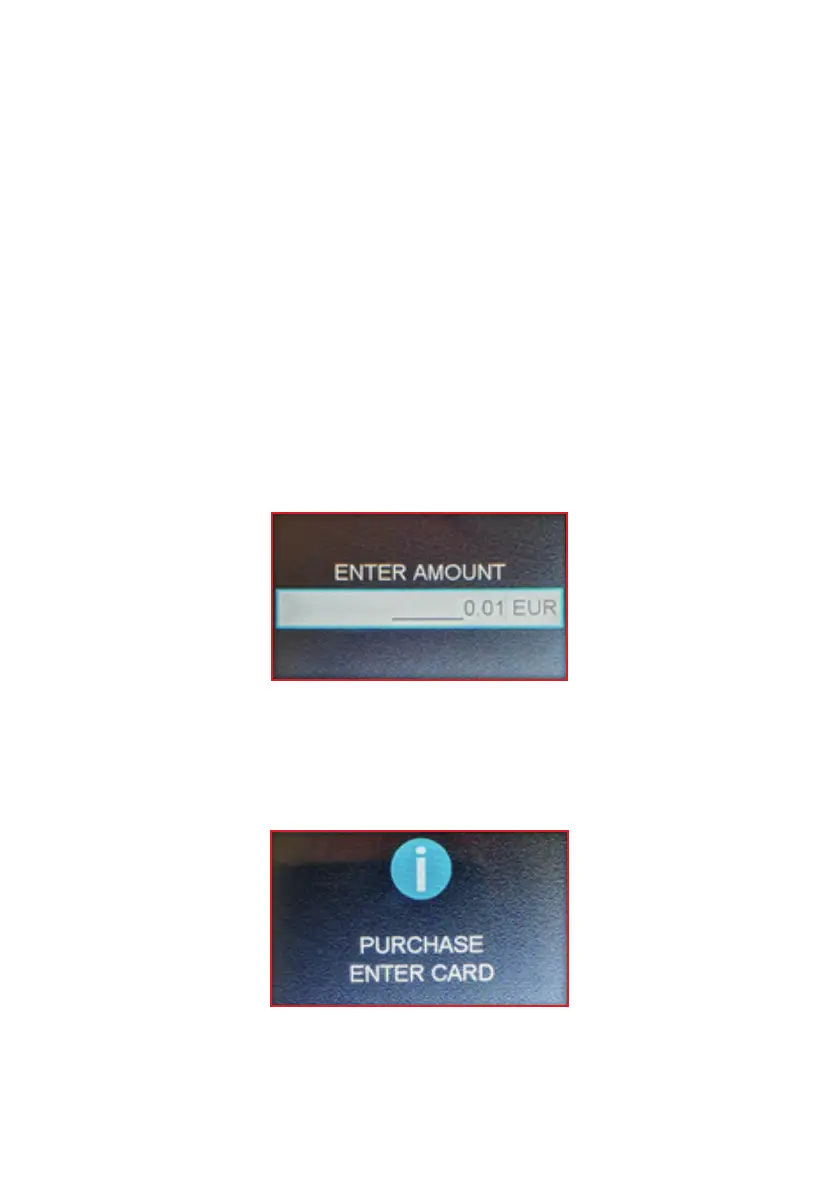
The device display then shows the following purchase amount entry
screen:
Enter the amount and conrm using the green button. The display
shows the following message and the device prompts the user to
read the card.
3


 To Next Page