Need help?
Do you have a question about the Innotech MAXIM I and is the answer not in the manual?
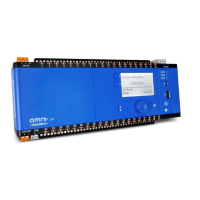
Provides wiring information for MAXIM I, II, III, and 1010 controllers, including power and I/O terminals.
Provides wiring information for MiniMAX MM01 and MM02 controllers, including power and I/O terminals.
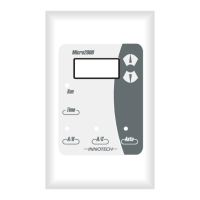
Details wiring information for VAVMax and MicroMAX controllers, including power and I/O terminals.
Provides wiring information for the IG01 Sub System Gateway, including power and I/O terminals.
Provides detailed steps for final inspection of mechanical and electrical installation before commissioning.
Details how to enable and use the Commissioning Mode on the CT01 for VAVMax controller functions.
 General
| Brand | Innotech |
|---|---|
| Model | MAXIM I |
| Category | Controller |
| Language | English |

 To Next Page