Need help?
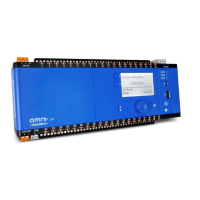
Do you have a question about the Innotech MAXIM II and is the answer not in the manual?
Guides on generating and using connection details for wiring MAXIM Series controllers.
Details wiring information for specific MAXIM controller models, including power, inputs, and outputs.
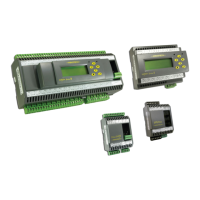
Provides wiring information for MiniMAX controllers, including power, inputs, outputs, and TRIAC outputs.
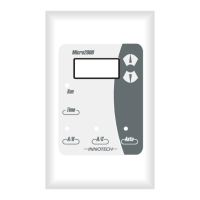
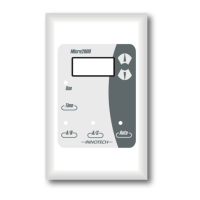
Covers wiring for VAVMax and MicroMAX controllers, including power, inputs, outputs, and TRIAC outputs.
Details the final inspection steps for mechanical and electrical installations before commissioning.
Outlines the process for verifying electrical connections and wiring integrity.
Provides steps to verify the correct voltage and polarity of the power supply for controllers.
Describes how to configure VAVMax controller settings, including set points and flow rates.
Guides on calibrating sensors and configuring K-factors on VAVMax controllers using the CT01.
 General
| Brand | Innotech |
|---|---|
| Model | MAXIM II |
| Category | Controller |
| Language | English |


 To Next Page